
Word counter and text cleaner for Mac
Change case, fix spaces and line breaks, sort or de-duplicate lines, and count words.
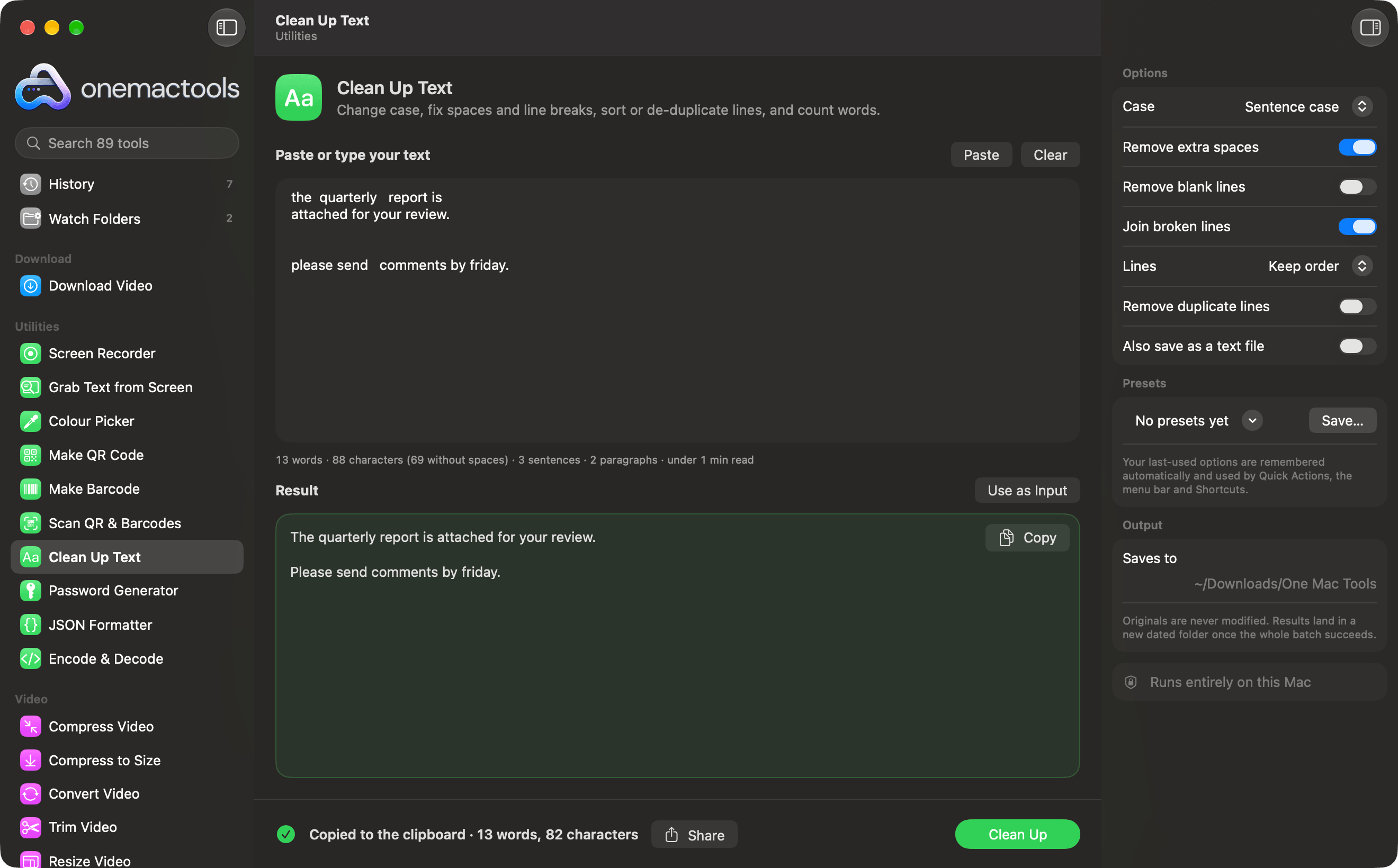
Clean Up Text on a Mac
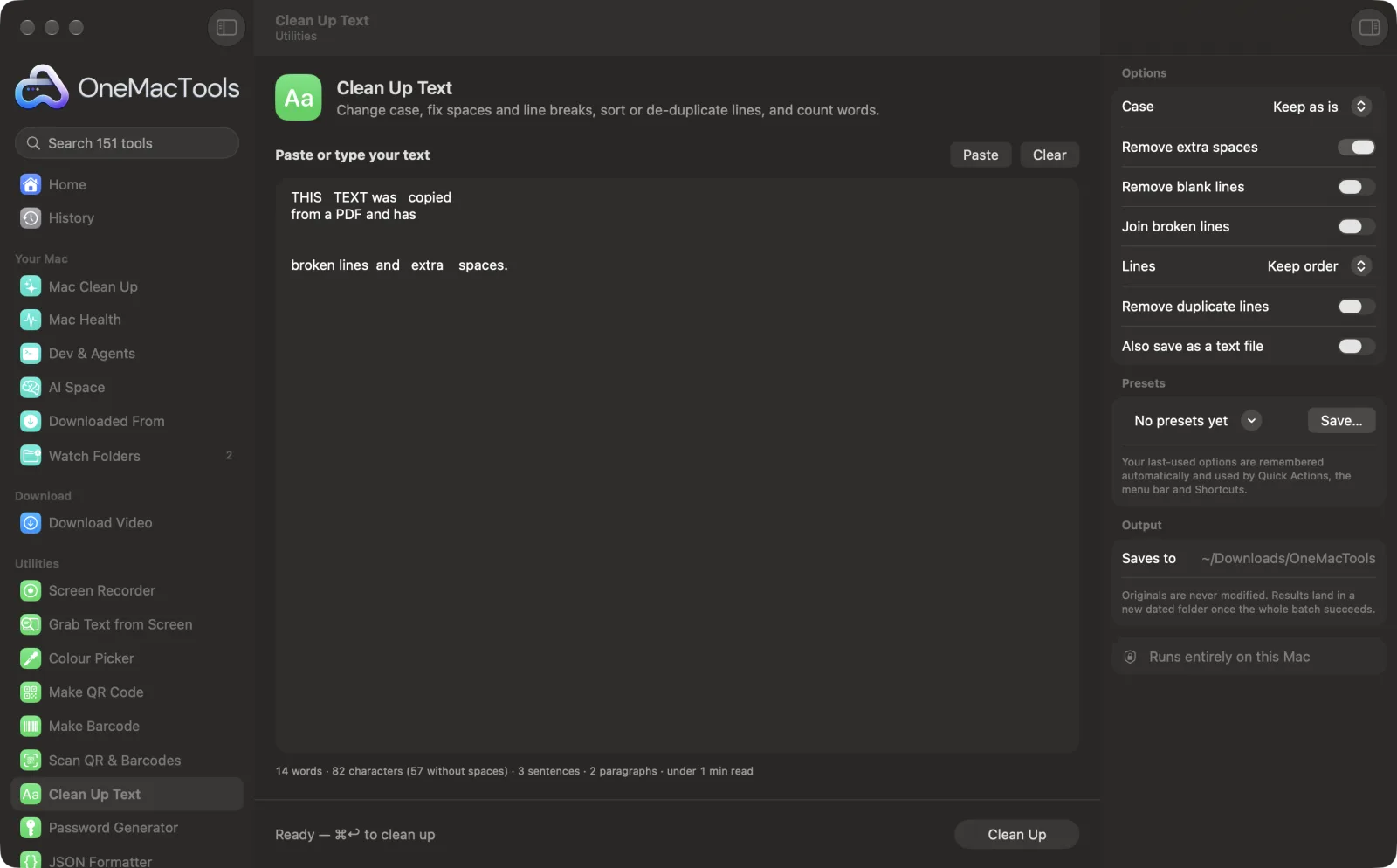
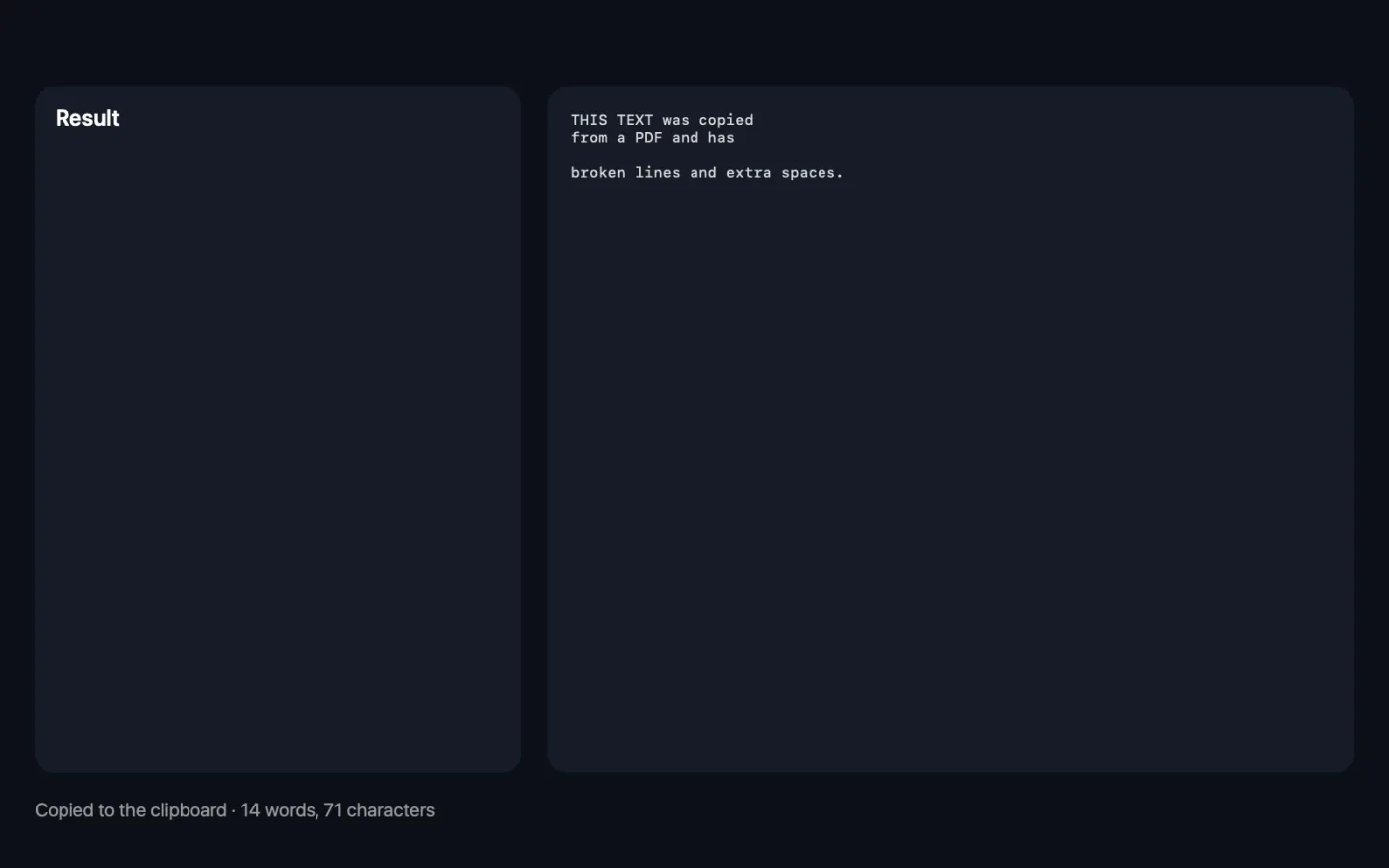
Screenshots from the app, using sample files.
How to use Clean Up Text
- 1
Paste your text
Paste or type text copied from a PDF, an email, a web page or a spreadsheet. The counter below shows words, characters, sentences, paragraphs and reading time as you type.
- 2
Choose the fixes
Pick a case, then turn on the clean-ups you need, such as joining broken lines or removing duplicates.
- 3
Click Clean Up
Or press Command-Return. The cleaned text appears below your original and is copied to the clipboard, with its word and character count.
- 4
Keep going if needed
Click Use as Input to clean the result again with different settings, or Copy to copy it once more.
What Clean Up Text does
Paste text from a PDF, an email or a spreadsheet and tidy it in one go: change it to Sentence case, lowercase, UPPERCASE, Title Case, camelCase, snake_case or kebab-case, remove extra spaces and blank lines, join lines that a PDF broke in the middle of sentences, sort or reverse lines, and remove duplicates. A live counter shows words, characters with and without spaces, sentences, paragraphs and reading time as you type.
Great for
- Fix text copied from a PDF that breaks in the middle of sentences
- Check an essay or a post against a word limit
- Turn a list of names into a sorted list without duplicates
Options explained
- Case
- Keep as is, Sentence case, lowercase, UPPERCASE, Title Case, camelCase, snake_case or kebab-case. Sentence case lowercases everything and then capitalises the start of each sentence and the word I. Title Case leaves short words like and, of and the lowercase and keeps acronyms like NASA. camelCase, snake_case and kebab-case turn each line into a single identifier.
- Remove extra spaces
- On by default. Turns runs of spaces and tabs into one space, trims the start and end of every line, and allows at most one blank line in a row.
- Remove blank lines
- Off by default. Removes every empty line, which suits lists copied from spreadsheets or emails.
- Join broken lines
- Off by default. Joins lines inside a paragraph into one, fixing text copied from PDFs that breaks mid-sentence. Paragraphs separated by a blank line stay apart, and words split with a hyphen across lines are put back together.
- Lines
- Keep order, Sort A–Z, Sort Z–A or Reverse. Sorting puts numbers in natural order (2 before 10) and removes blank lines.
- Remove duplicate lines
- Off by default. Keeps the first copy of each line and removes later exact repeats. Lines that differ only in capitals count as different.
- Also save as a text file
- Off by default. Also saves the result as Cleaned text.txt in a new dated folder in Downloads › OneMacTools.
Best practices
- For text copied from a PDF, turn on Join broken lines and leave Remove extra spaces on. That fixes most messy pastes in one go.
- Sentence case lowercases names and acronyms too, so check proper nouns afterwards.
- To de-duplicate a list that mixes capitals, choose lowercase as well, so “Apple” and “apple” count as the same line.
- Use the live counter to check essays and posts against a word or character limit before you clean anything.
- Use snake_case or kebab-case to turn a list of titles into file names or URL slugs, one per line.
Works with
- In
- Any plain text you paste or type.
- Out
- Cleaned text in the window and on the clipboard, and optionally a .txt file.
- Formatting such as bold, links and colours isn't kept; the result is plain text.
- Duplicates are removed before sorting, and the case change is applied last.
- Also available in Shortcuts through Run OneMacTools Tool, which passes the cleaned text to the next step.
Questions about Clean Up Text
How do I fix line breaks in text copied from a PDF?
Paste the text, turn on Join broken lines and click Clean Up. Lines within each paragraph are joined, paragraphs stay separate, and hyphenated words split across lines are rejoined.
How do I count words on a Mac?
Paste your text into Clean Up Text. The counter under the box shows words, characters with and without spaces, sentences, paragraphs and reading time straight away.
How do I change text from capitals to lowercase or sentence case?
Choose lowercase or Sentence case in Case and click Clean Up. The converted text is copied to your clipboard.
How do I remove duplicate lines from a list?
Turn on Remove duplicate lines and click Clean Up. The first copy of each line is kept. Matching is exact, so choose lowercase too if capitals vary.
How do I sort a list alphabetically on a Mac?
Set Lines to Sort A–Z (or Z–A) and click Clean Up. Numbers sort naturally, so item 2 comes before item 10.
How do I remove double spaces from text?
Leave Remove extra spaces on and click Clean Up. Runs of spaces and tabs become a single space and stray spaces at line ends are removed.
Can I convert text to camelCase or snake_case?
Yes. Choose camelCase, snake_case or kebab-case in Case. Each line becomes one identifier, so “Parse HTTP response” becomes parseHttpResponse.
Does Clean Up Text upload my files?
No. Clean Up Text runs entirely on your Mac, so your files never leave it and it works offline.
Will Clean Up Text change my original files?
No. Results are saved as new files in a dated folder in Downloads › OneMacTools, and your originals are left exactly as they were unless you turn on an option that says otherwise.
What does Clean Up Text need?
Just a Mac with macOS 26 or later. There's nothing else to install.
Do this next
Paraphrase, proofread, shorten or change the tone of text with on-device Apple Intelligence.
Grab Text from ScreenDrag over anything on screen — a video, a photo, a locked PDF — and copy the text in it.
JSON FormatterFormat, minify and validate JSON, with the exact line and column of any mistake.
Related Utilities tools
Record a window, an app or the whole screen, with sound, as MP4 or GIF.
Colour PickerPick any pixel on screen and copy its colour as HEX, RGB, HSL or code.
Make QR CodeTurn a link, some text or Wi-Fi details into a crisp QR code.
Make BarcodeMake Code 128, EAN-13, UPC-A, PDF417 and Aztec barcodes for labels, products and tickets.
Scan QR & BarcodesRead QR codes and barcodes from photos, screenshots and PDFs.
Password GeneratorStrong passwords, memorable passphrases and PINs, made on this Mac and copied for you.

Clean Up Text, plus 150 more.
One app. One price.
All 151 tools. Free download, one payment for a licence, yours to keep.