
On-device AI tools for Mac
Read text from images, transcribe recordings, write meeting notes, summarise, translate, rename files by their contents and turn receipts into spreadsheets, using Apple's on-device frameworks and Apple Intelligence.
- 1
Drop files or recordings
Scans, photos, PDFs, receipts, audio and video.
- 2
Apple's on-device models read them
Vision, Speech, Translation and Apple Intelligence.
- 3
Get text, notes or spreadsheets
Nothing leaves your Mac at any point.
Every on-device ai tool
Read text out of photos, screenshots and scanned PDFs with Apple's Vision framework.
Finder Quick ActionAsk a DocumentAsk a question about PDFs, scans or documents and get an answer from what they say.
Smart RenameGive scans, screenshots and photos real names from what's inside them.
Finder Quick ActionReceipts to SpreadsheetRead receipts and invoices into a spreadsheet of dates, vendors, tax and totals.
Alt Text & CaptionsWrite accessible descriptions for images, for websites, documents and social posts.
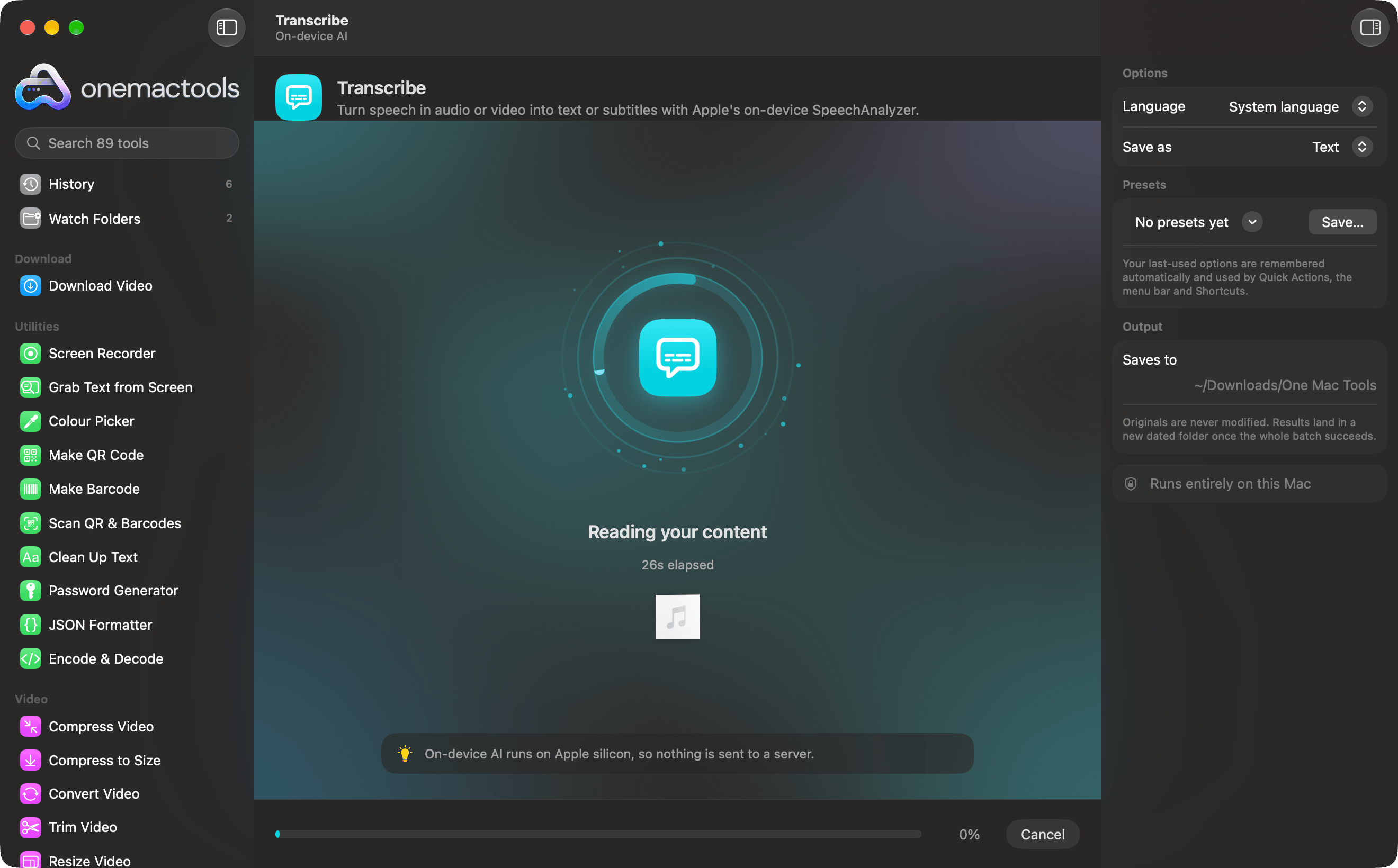
TranscribeTurn speech in audio or video into text or subtitles with Apple's on-device speech recognition.
Finder Quick ActionMeeting NotesTurn a meeting recording into a transcript plus notes with decisions and action items.
SummarizeGet the short version of long documents from Apple Intelligence's on-device model.
RewriteParaphrase, proofread, shorten or change the tone of text with on-device Apple Intelligence.
TranslateTranslate documents and subtitles offline with Apple's downloadable languages.
PDF to Excel (Tables to Spreadsheet)Read tables in screenshots, photos and PDFs into Excel or CSV, rows and columns kept.
Finder Quick ActionBusiness Card to ContactTurn a photo or scan of a business card into a contact card for Contacts.
Auto-Tag PhotosRecognise what's in photos and add Finder tags, so Spotlight and Ask can find them.
Quiz & FlashcardsMake multiple-choice questions or flashcards from a PDF or document, on your Mac.
Record MeetingRecord both sides of a call, then get a transcript labelled You and Others, plus notes. On-device.

Stop hunting for tools.
Start with one.
All 151 tools. Free download, one payment for a licence, yours to keep.