
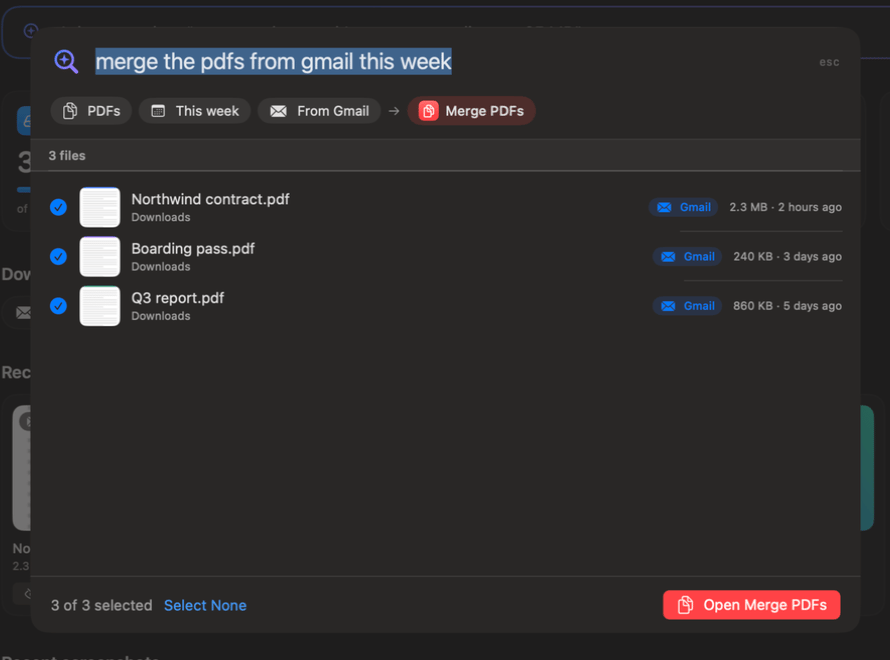
⌘K Ask
Say it in plain words. It finds the files and opens the right tool, options set.
89 tools. Real results, made on a Mac.
Say it in plain words. It finds the files and opens the right tool, options set.
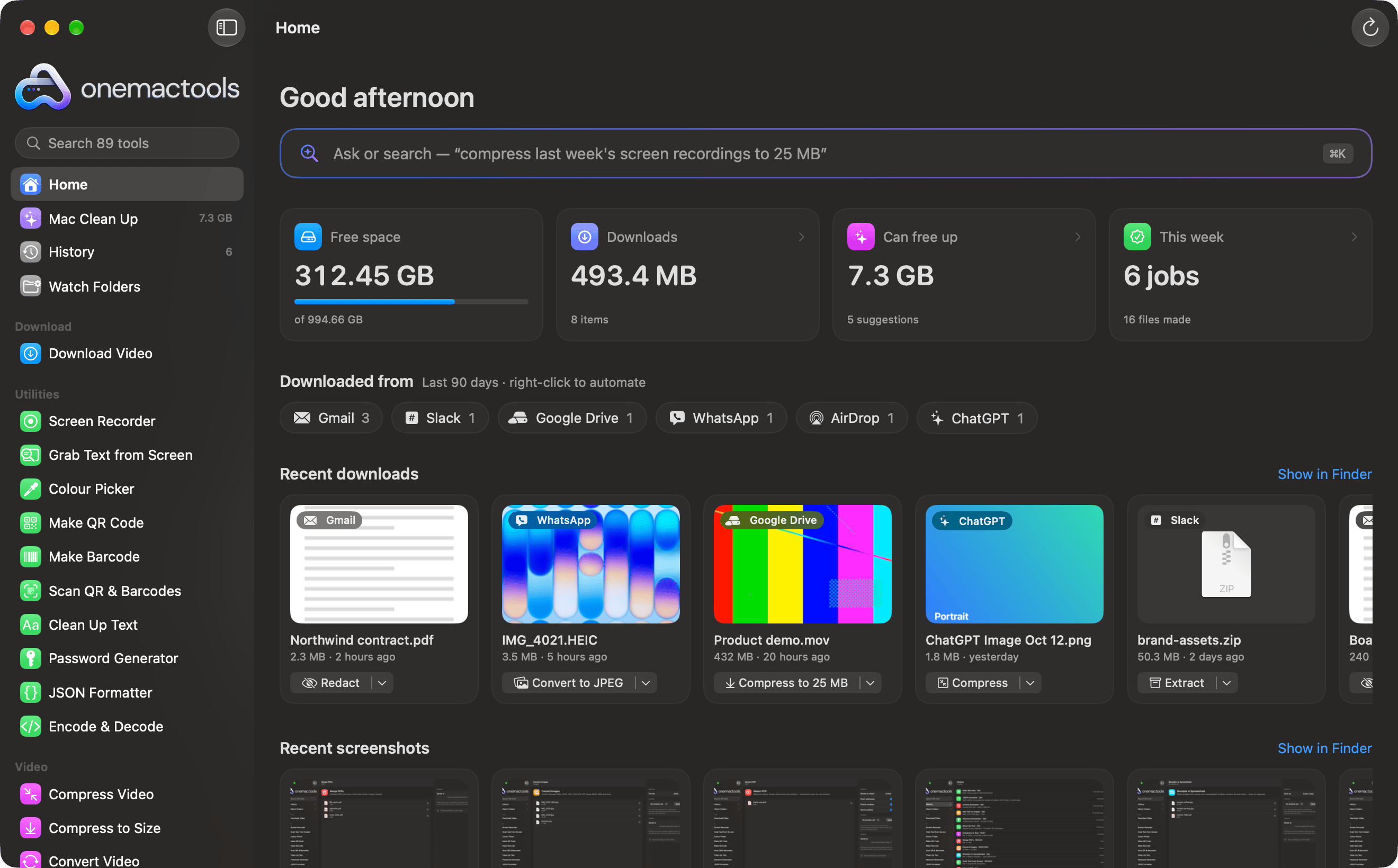
Sorted by where each file came from. Automate any source with a Watch Folder.
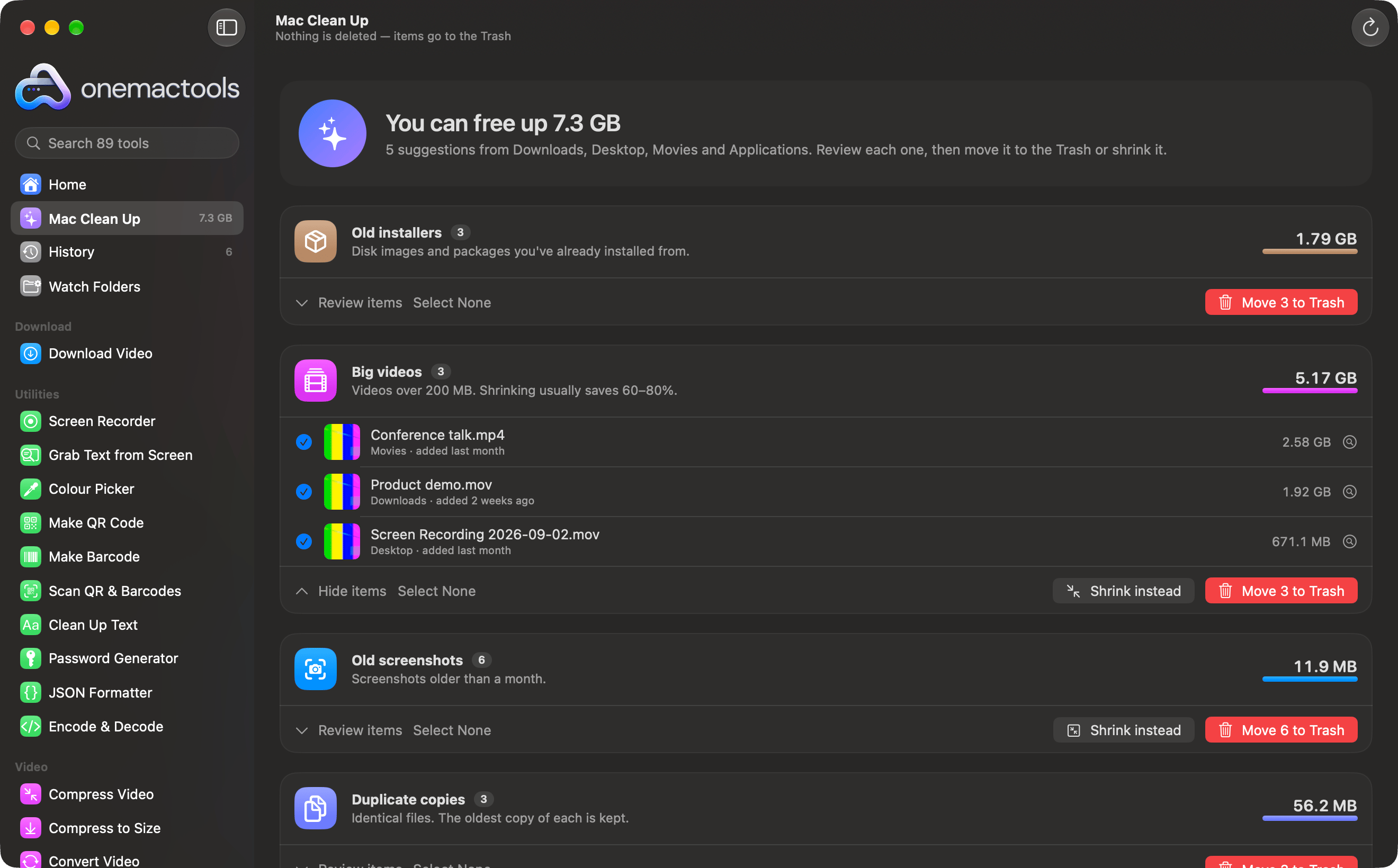
Old installers, big videos, duplicates and forgotten downloads. Trash it, or shrink it instead.

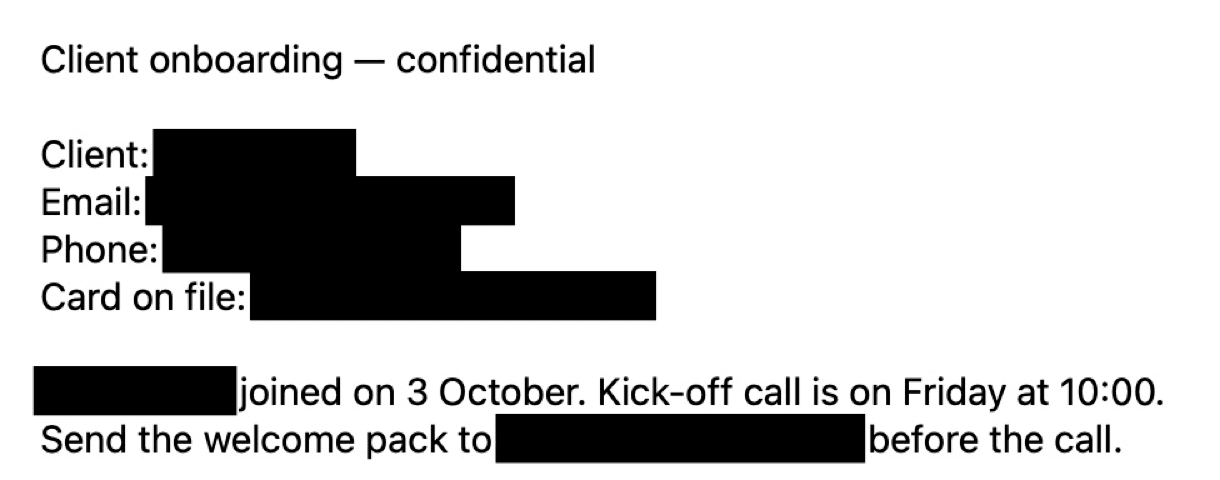
Names, emails, phones and cards, removed for real.
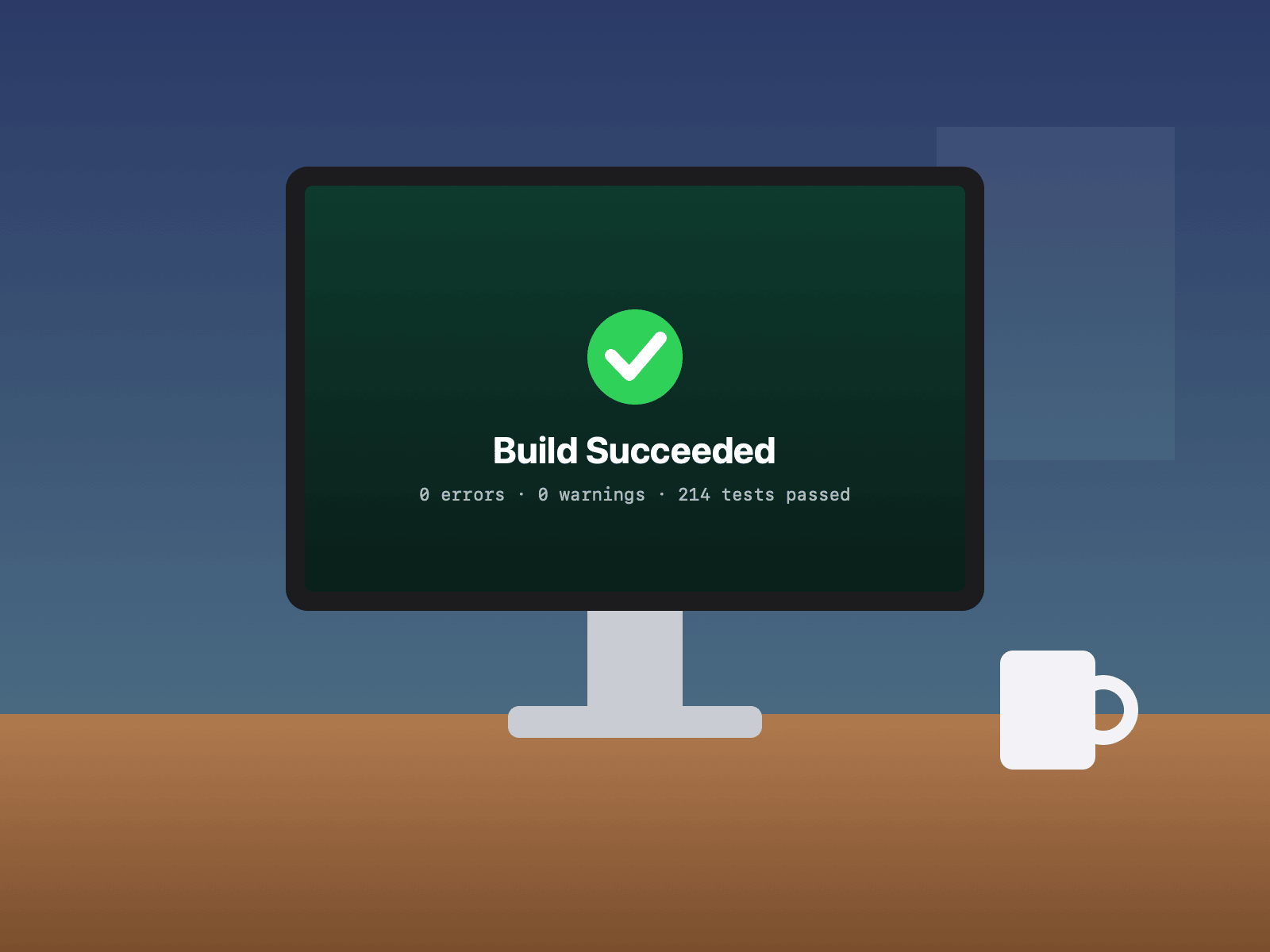
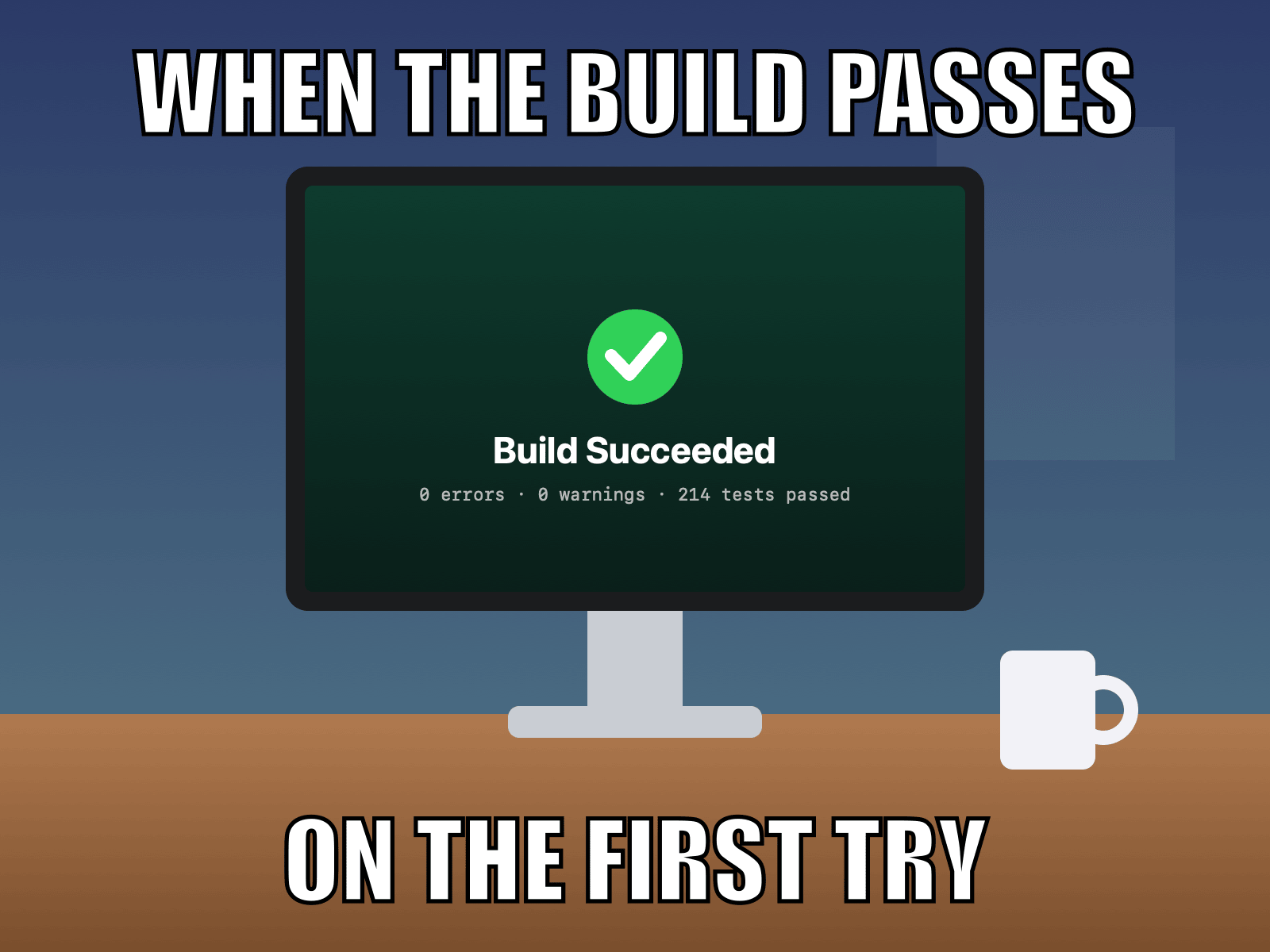
Memes, captions and subtitles, in seconds.


The subject, cut out on a transparent PNG.
87% smaller
A 40-second 1080p clip, made to fit a 25 MB email limit.
Website design | 1 | 1200
Hosting (months) | 12 | 15.50
Logo refresh | 1 | 350
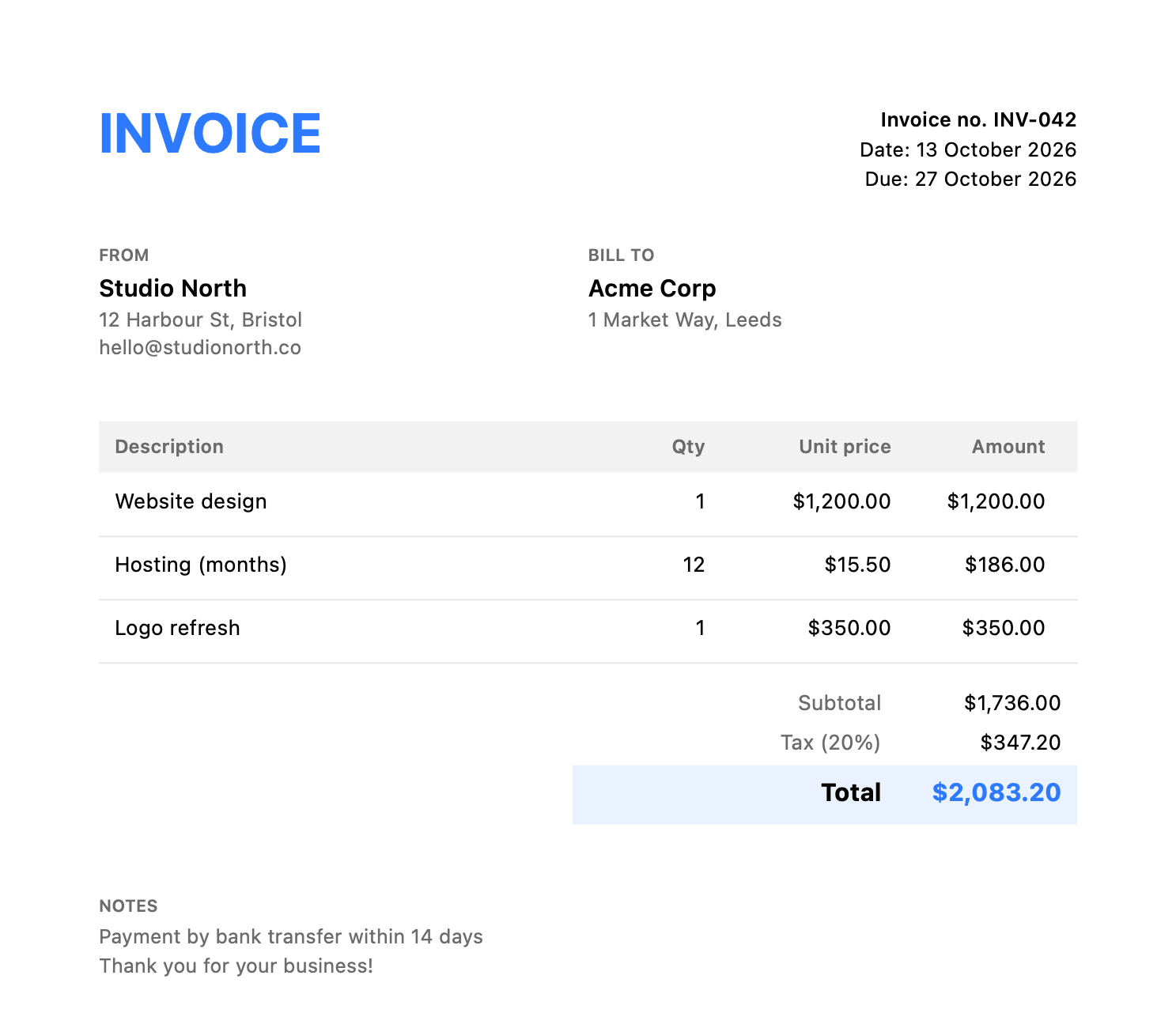
Three lines of text in. A polished PDF out.
{"app":"OneMacTools","tools":89,"private":true,"price":{"personal":29,"pro":49}}{
"app": "OneMacTools",
"tools": 89,
"private": true,
"price": {
"personal": 29,
"pro": 49
}
}One unreadable line, made tidy, with mistakes pinpointed.


EAN-13, UPC-A, Code 128, PDF417, Aztec and QR, print-ready.
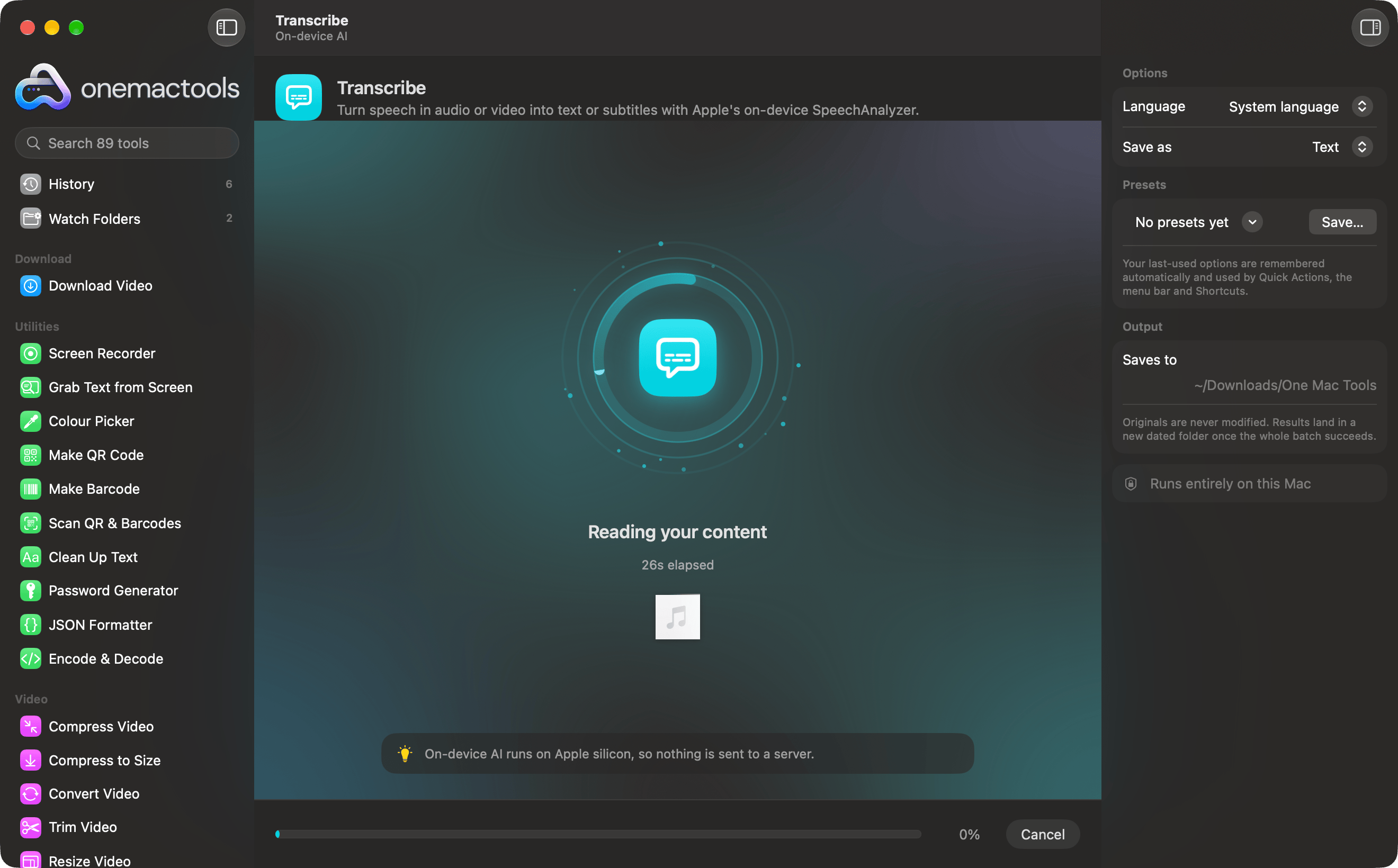
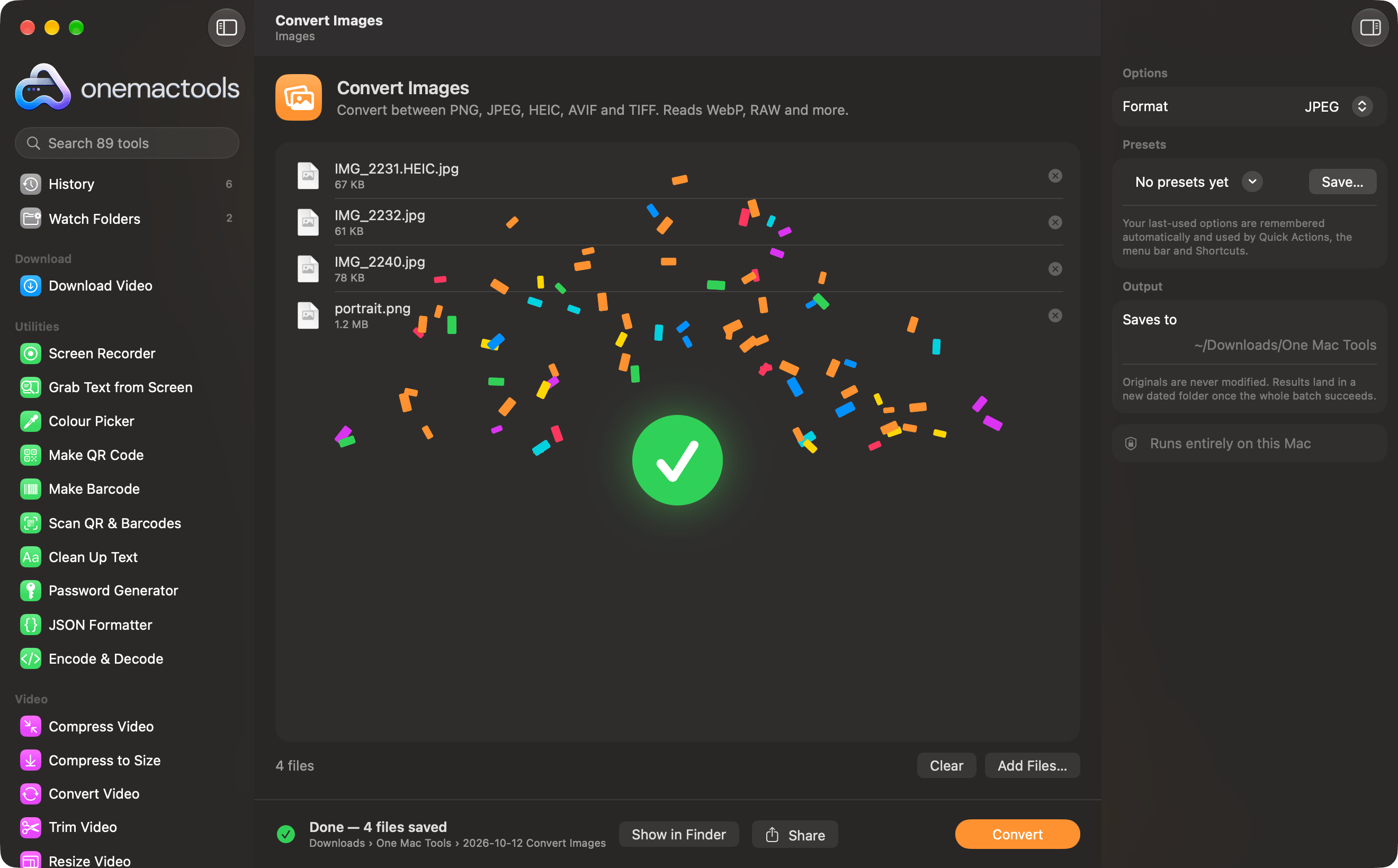
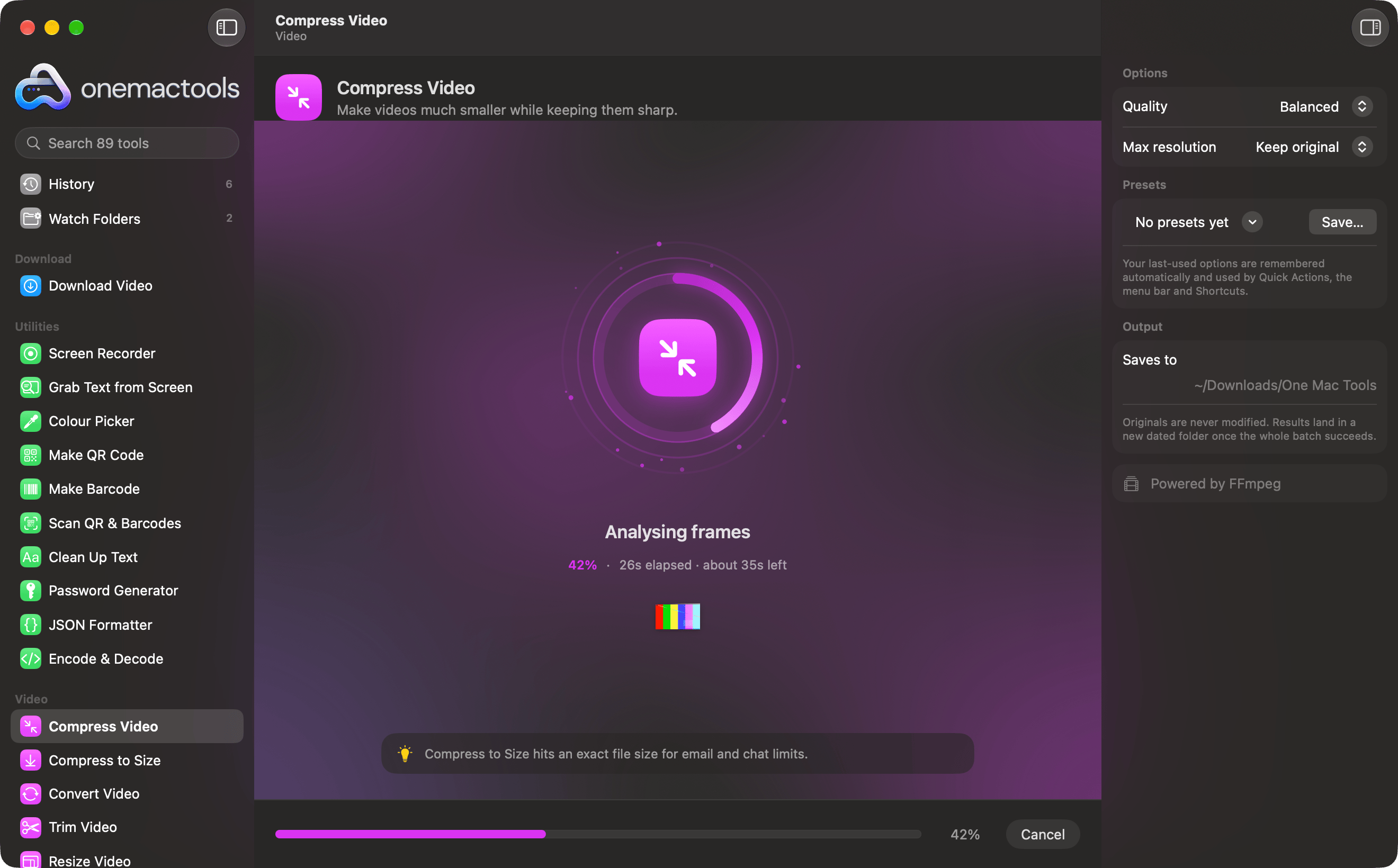
A live progress ring, the current step, time left, and a little celebration when it's done.
Right-click files and pick one of 19 actions. The job runs in the background and a notification tells you where the result is.
Drop files on the menu bar icon to see matching actions, start a screen recording, grab text or pick a colour from anywhere.
Every file tool is a Shortcuts action with files in and files out, plus Grab Text and Pick Colour. Give any of them a keyboard shortcut.
Your last settings are remembered for every tool. Save favourites as presets, and find every past result in History, whichever way you started the job.

All 89 tools for $29, once. 14-day money-back guarantee.