
Calm ink, one signal of colour.
The OneMacTools design system. Click any colour to copy it.
Ink
Neutrals lean toward the logo's navy. Each step is one level of elevation.
Brand
From the logo: blue to periwinkle to violet. The gradient appears once per screen; mint means success.
Categories & status
Category colours mark a category (icons, labels), never large fills or body text.
Type
Sora for display, SF Pro for reading, JetBrains Mono for files and numbers.
Display · Sora 700
H2 · Sora 700
H3 · Sora 600
Lede · SF Pro 400
Body · SF Pro 400
Eyebrow · SF Pro 600
Data · JetBrains Mono 500
Spacing
A 4-point base.
Radius
Rounder as things get bigger. Elevation is lighter ink and a blue glow.
Components
The real components, live.


Motion
One curve, cubic-bezier(.2, .8, .2, 1). Motion confirms what happened. Reduce Motion shows the final state.
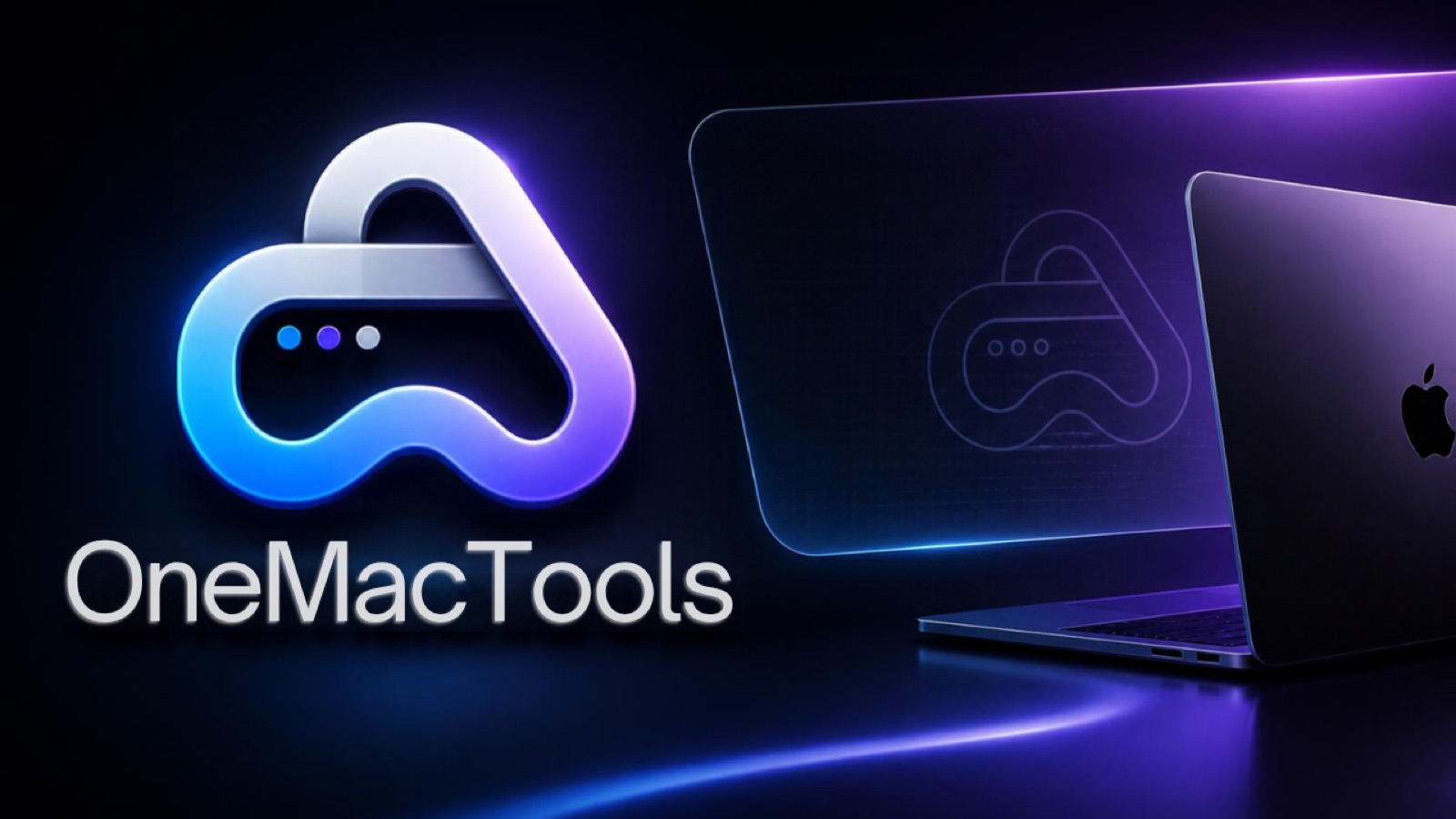
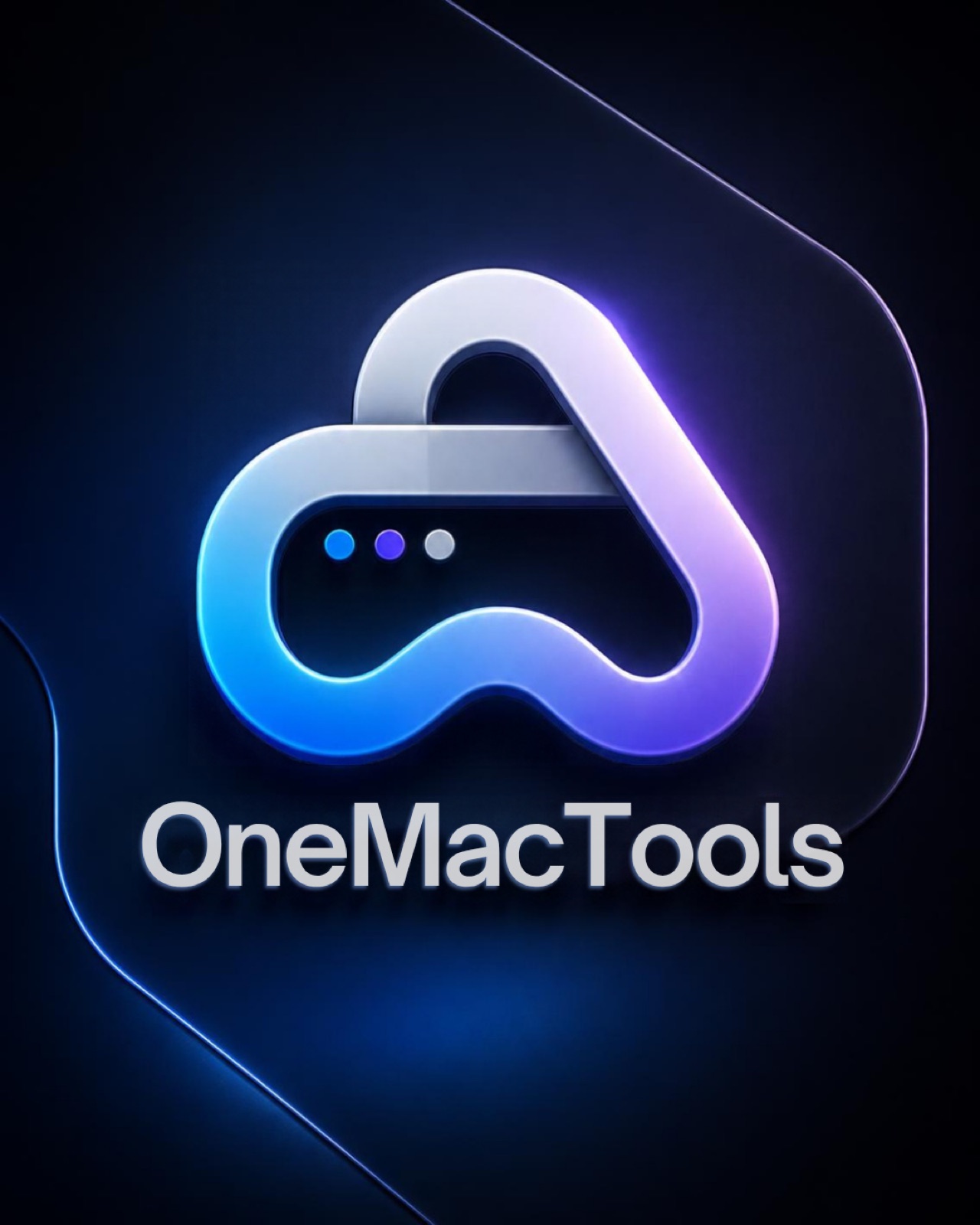
Logo
Light wordmark on dark, dark wordmark on light. Keep clear space equal to the height of the three dots. At least 20px tall.
 Download PNG
 Download PNG
 Download PNG
Launch visuals
For announcements, press and social posts. Click to download.


Voice
Do
- “Compress to 25 MB for email.”
- Show real files, sizes and results.
- Short sentences. Active voice.
- Say exactly what goes online.
Don't
- “Leverage AI-powered media optimisation.”
- Promise “100% secure” or “lossless”.
- Use the gradient twice on one screen.
- Fill large areas with category colours.