
File tools for Mac
Rename in bulk, tidy messy folders, find duplicates and large files, zip and unzip, encrypt and verify downloads.
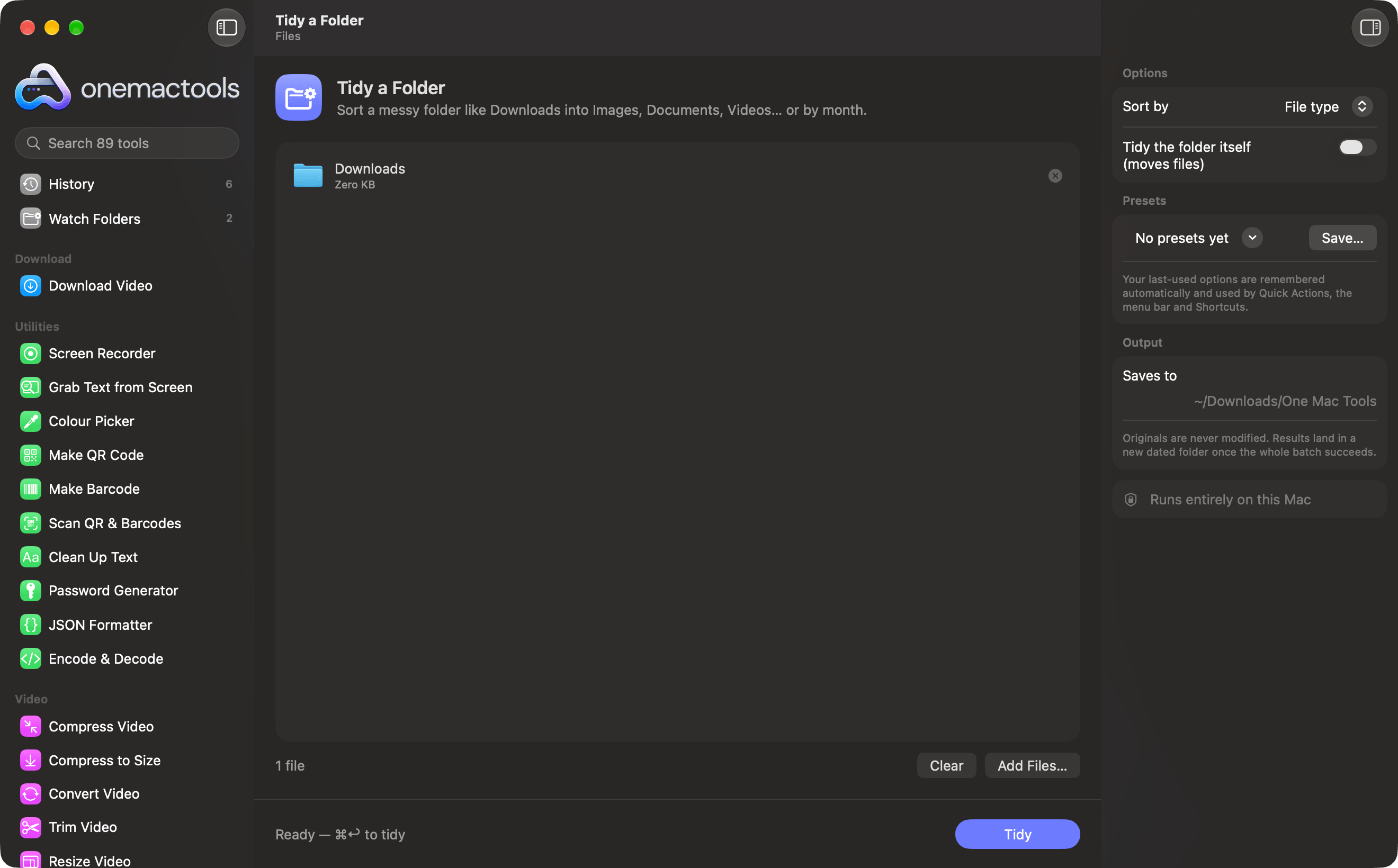
- 1
Drop files or folders
A messy Downloads folder, a photo library, a project.
- 2
Choose the job
Rename, tidy, find duplicates, zip, encrypt, verify.
- 3
See a clear report
Copies by default; changes to originals only when you ask.
Every files tool
Rename many files at once with numbering, find and replace, prefixes or case changes.
Tidy a FolderSort a messy folder like Downloads into Images, Documents, Videos… or by month.
Duplicate FinderFind identical files and look-alike photos, and clear the extras safely.
Large Files FinderSee which files are eating your disk space, biggest first.
Create ZIPBundle files and folders into a ZIP that opens anywhere.
Finder Quick ActionExtract ArchiveOpen ZIP, TAR, GZ, 7Z, RAR and more without extra apps.
Encrypt FilesLock files and folders in a password-protected disk image (AES-256) that opens on any Mac.
File ChecksumVerify downloads with SHA-256, SHA-512, SHA-1 or MD5 hashes.
Finder Quick ActionMore in OneMacTools
89 tools in all, for one price.

Stop hunting for tools.
Start with one.
All 89 tools for $29, once. 14-day money-back guarantee.