
Screen utilities for Mac
Record your screen, copy text from anything on screen, pick colours and make or read QR codes, from the app or the menu bar.
- 1
Click once
In the app, from the menu bar, or with a Shortcuts hotkey.
- 2
Select on screen
A window to record, an area to read, a pixel to pick.
- 3
It's ready
Saved to your folder or copied to your clipboard.
Every utilities tool
Record a window, an app or the whole screen, with sound, as MP4 or GIF.
Grab Text from ScreenDrag over anything on screen — a video, a photo, a locked PDF — and copy the text in it.
Colour PickerPick any pixel on screen and copy its colour as HEX, RGB, HSL or code.
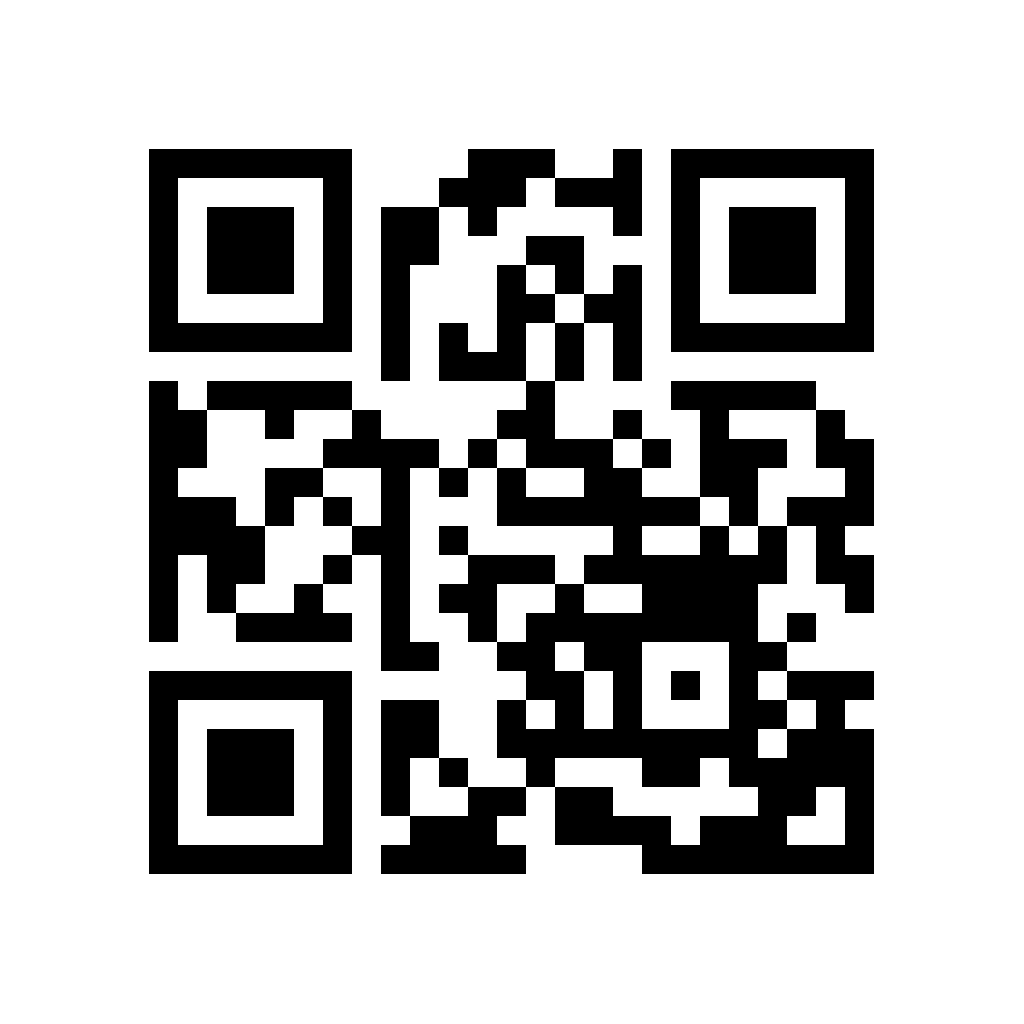
Make QR CodeTurn a link, some text or Wi-Fi details into a crisp QR code.
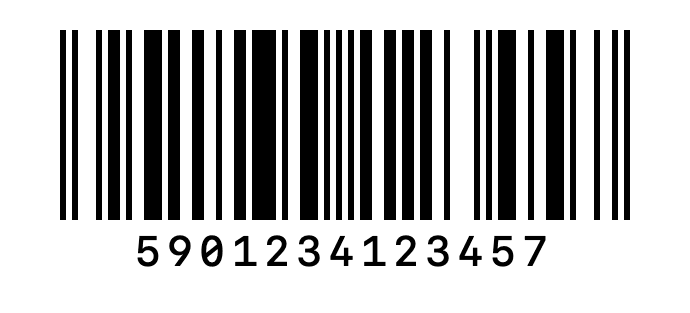
Make BarcodeMake Code 128, EAN-13, UPC-A, PDF417 and Aztec barcodes for labels, products and tickets.
Scan QR & BarcodesRead QR codes and barcodes from photos, screenshots and PDFs.
Clean Up TextChange case, fix spaces and line breaks, sort or de-duplicate lines, and count words.
Password GeneratorStrong passwords, memorable passphrases and PINs, made on this Mac and copied for you.
JSON FormatterFormat, minify and validate JSON, with the exact line and column of any mistake.
Encode & DecodeEncode or decode Base64, URL encoding, HTML entities and hex.

Stop hunting for tools.
Start with one.
All 89 tools for $29, once. 14-day money-back guarantee.