
How to redact a PDF on a Mac properly (and why a black box isn't enough)
Drawing a black rectangle over text in a PDF often leaves the text underneath. Here's how to redact names, emails, phone and card numbers on a Mac so they're really gone, and how to check.
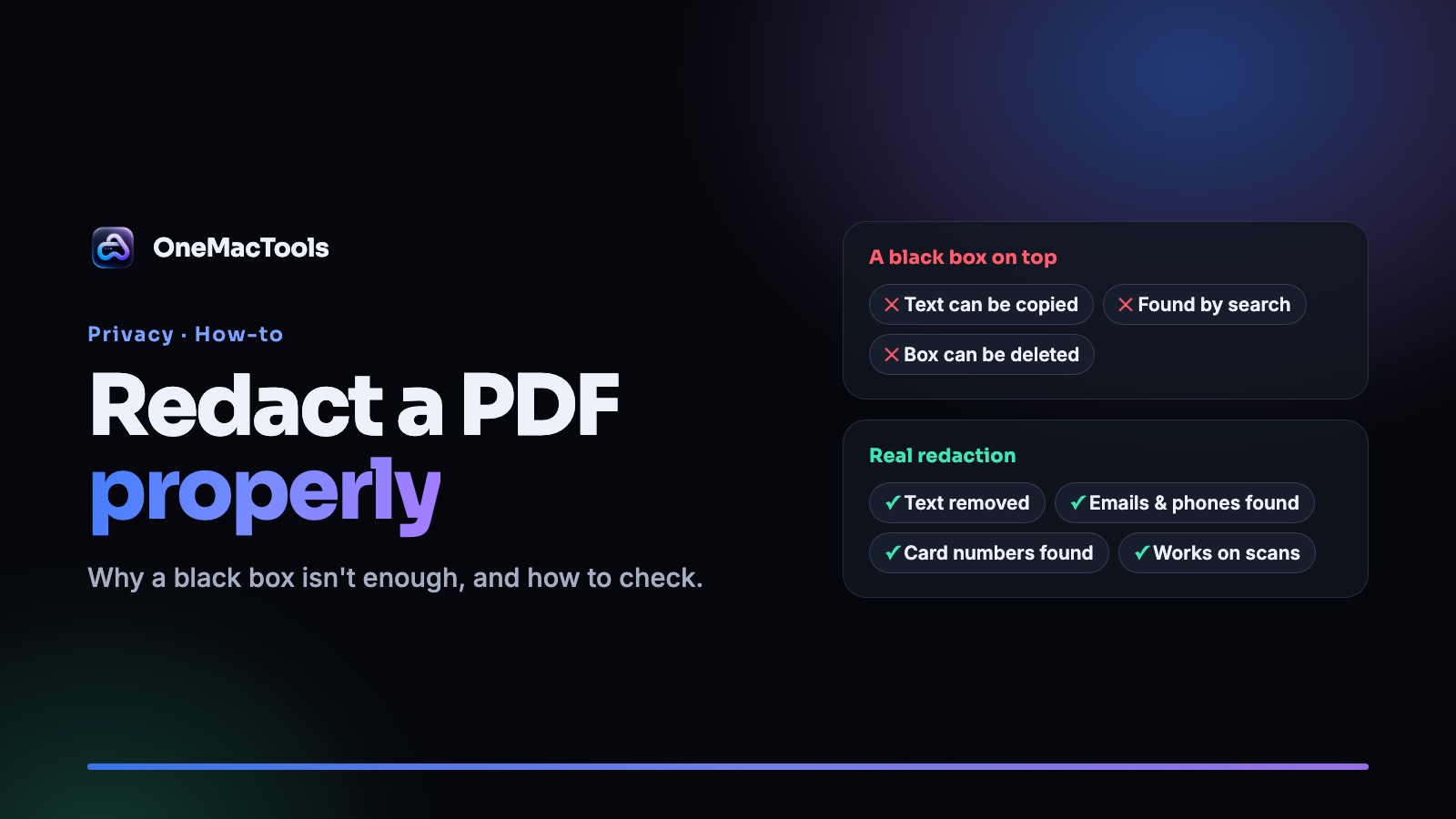
You need to send a bank statement, a contract or an HR letter, but some of it isn't for the other person: an account number, a home address, a colleague's name. So you open the PDF, draw a black box over it, and send it.
That's one of the most common privacy mistakes there is. In many PDFs the black box is a separate layer sitting on top of the page. The text is still underneath, and anyone can select it, copy it or find it with search.
Here's how to redact properly on a Mac, and how to check that it worked.
Why the black box fails
A PDF page is built in layers. When you draw a shape with a markup tool, you usually add an annotation on top. The page's text stays exactly where it was. To the eye it's hidden. To a computer it's all still there:
- Select and copy: drag across the black box and paste. The text appears.
- Search: press ⌘F and type the hidden word. It's found.
- Delete the box: in many editors you can click the rectangle and press Delete.
Real redaction removes the text itself, not just the view of it.
Test any PDF in 30 seconds
Before you send a "redacted" PDF, open it in Preview and try this:
- Press ⌘F and search for a word you hid.
- Press ⌘A to select all, copy, and paste into a text editor. Look for what you hid.
- Click on a black box and see if it can be moved or deleted.
If any of these reveals the text, the PDF isn't redacted.
How to redact a PDF on a Mac, step by step
Redact PDF in OneMacTools finds what to hide, blacks it out and rebuilds each affected page so the text underneath is gone. It runs on your Mac, so the document isn't uploaded.
- Add the PDF. Drop one or more PDFs onto Redact PDF. Scanned PDFs work too.
- Choose what to hide. Type names, addresses or other words, separated by commas. Leave Email addresses, Phone numbers and Card numbers switched on to catch those automatically.
- Click Redact. Every match is blacked out, and each affected page is rebuilt from an image, so the original text isn't in the new page at all.
- Check every page. The copy ends in "redacted" and is saved in Downloads › OneMacTools. Read it before you share it.
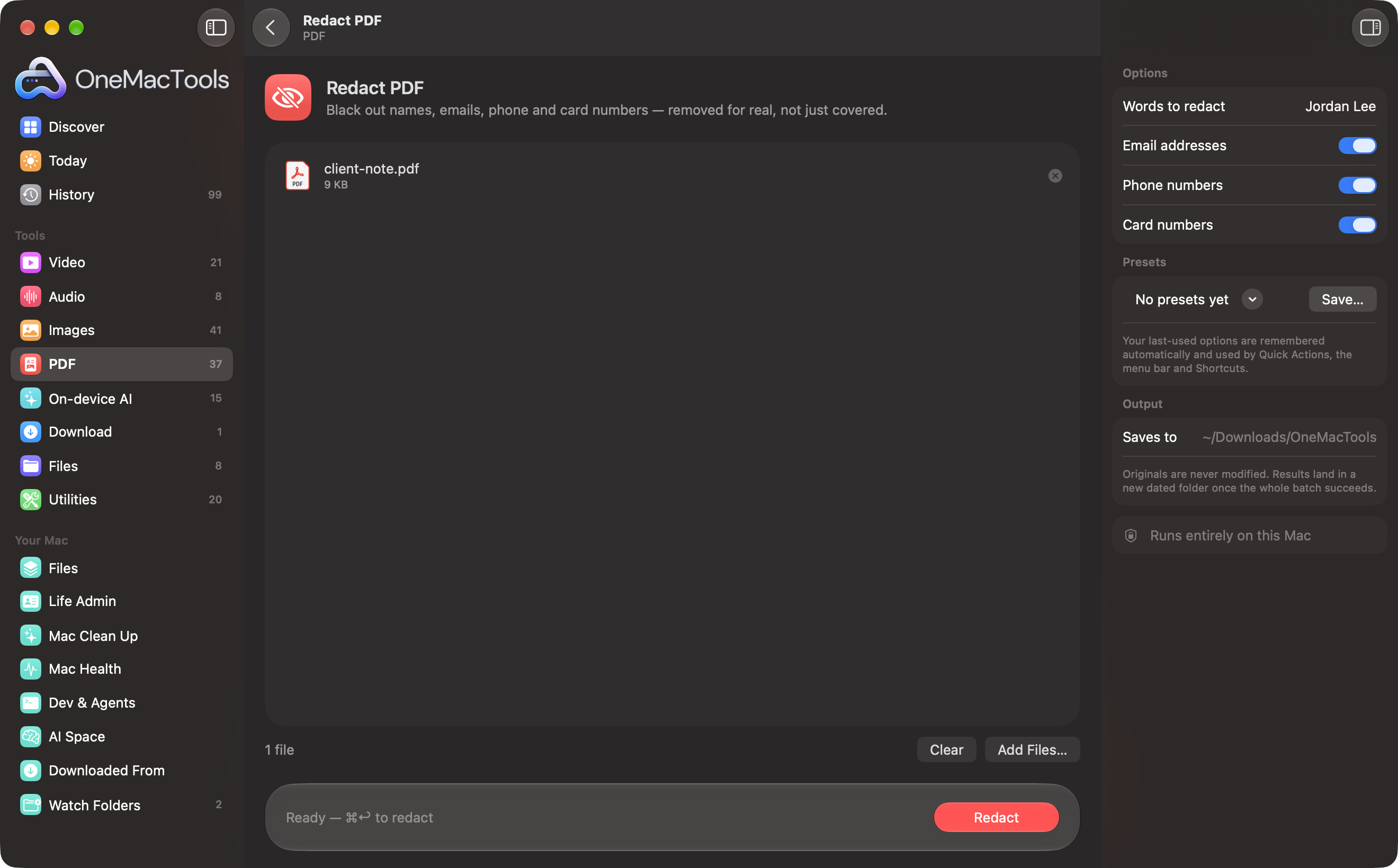
Card numbers are found by checking the card-number checksum, so dates and reference numbers aren't caught by mistake. Scanned pages are read with on-device text recognition to find the words.
Tips for a redaction you can trust
- Add every version of a name. People are written differently on different pages: "Jordan Lee", "J. Lee", "Lee".
- Use full words where you can. A short word like "Ann" also matches "Annual".
- Type other numbers yourself. Emails, phone and card numbers are detected automatically. National ID, passport and account numbers need to be typed in.
- Always read the result. Automatic detection is a strong first pass, not a guarantee. Run the 30-second test above.
- Send only the redacted copy. Your original still contains everything.
- Add a password if it's going somewhere sensitive. Add Password protects the copy.
Redacting screenshots, photos and text
The same problem exists outside PDFs:
- Screenshots and photos: Redact Images reads the text in a picture and covers emails, phone numbers, card numbers and words you choose.
- Text you paste into an AI chat: Redact Text for AI swaps names, emails, numbers and API keys for placeholders before you paste, then puts them back in the answer.
Questions
Can I redact a PDF in Preview?
You can draw shapes over text with Preview's Markup tools, but a shape on top isn't the same as removing the text. Run the 30-second test above on the result. If the text can still be found, it isn't redacted.
Is the text really removed with Redact PDF?
Yes. Each page with a match is turned into an image, the black boxes are painted onto that image, and the page is rebuilt from it. The original text isn't in the new page.
Will a redacted PDF still be searchable?
Pages without matches keep their text. Redacted pages become images, so their text can't be selected. If you need to search them, run the copy through Make PDF Searchable. The blacked-out text isn't there to be found.
Does redaction work on scanned PDFs?
Yes. Pages without a text layer are read with on-device text recognition to find the words, and those areas are blacked out. Unusual fonts or poor scans may be missed, so check the result.
Is it safe to redact a PDF on a website?
A website has to receive the unredacted file first, which is the thing you're trying to protect. Redacting on your Mac avoids that. See what free online converters do with your files.
Tools in this post
More on the blog and in the guides.
More from the blog
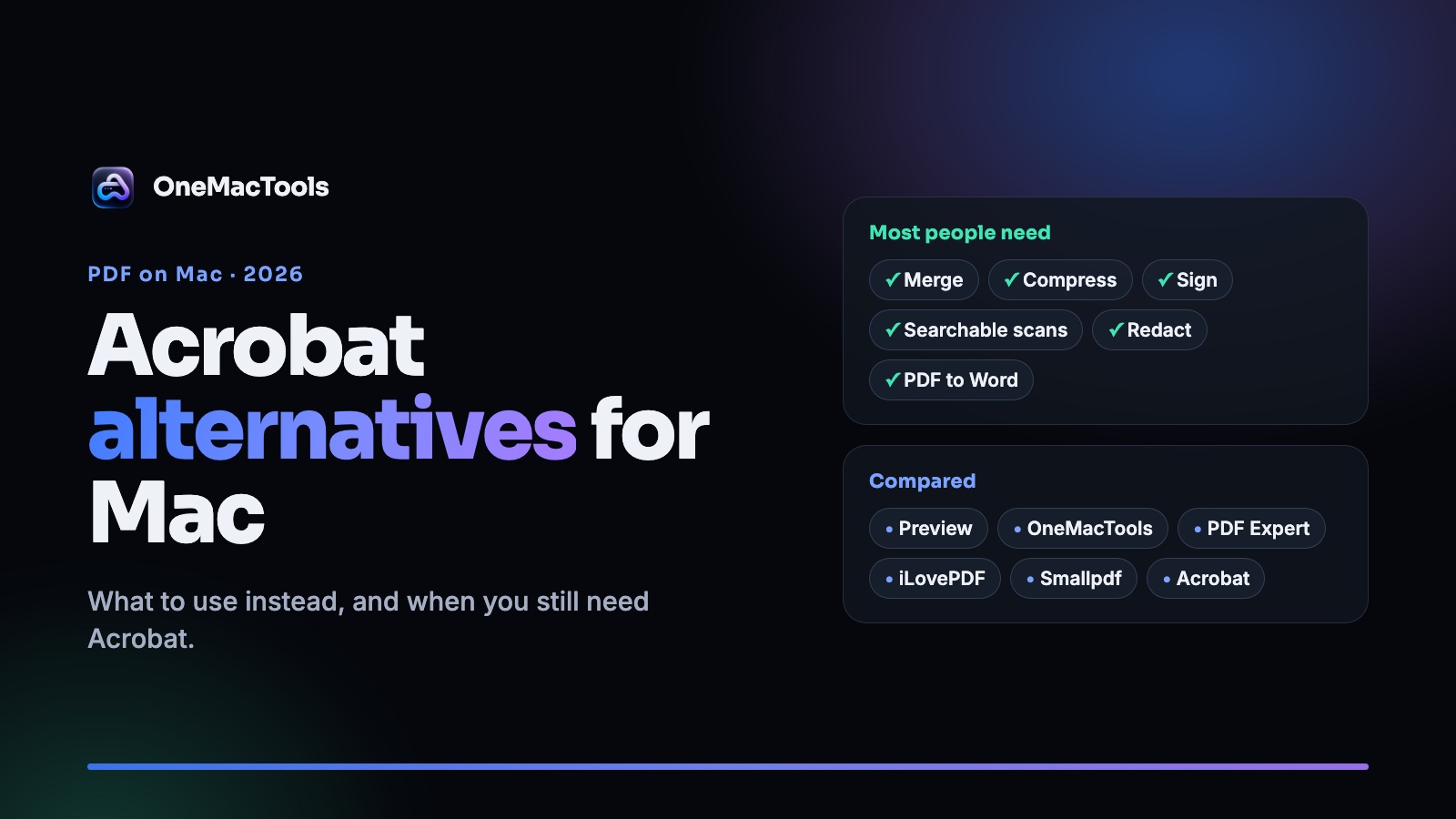
Adobe Acrobat alternatives for Mac in 2026: what to use instead, and when you still need Acrobat
An honest look at Acrobat alternatives on the Mac, from free Preview to PDF Expert, iLovePDF and OneMacTools, with prices, privacy and what each one can't do.
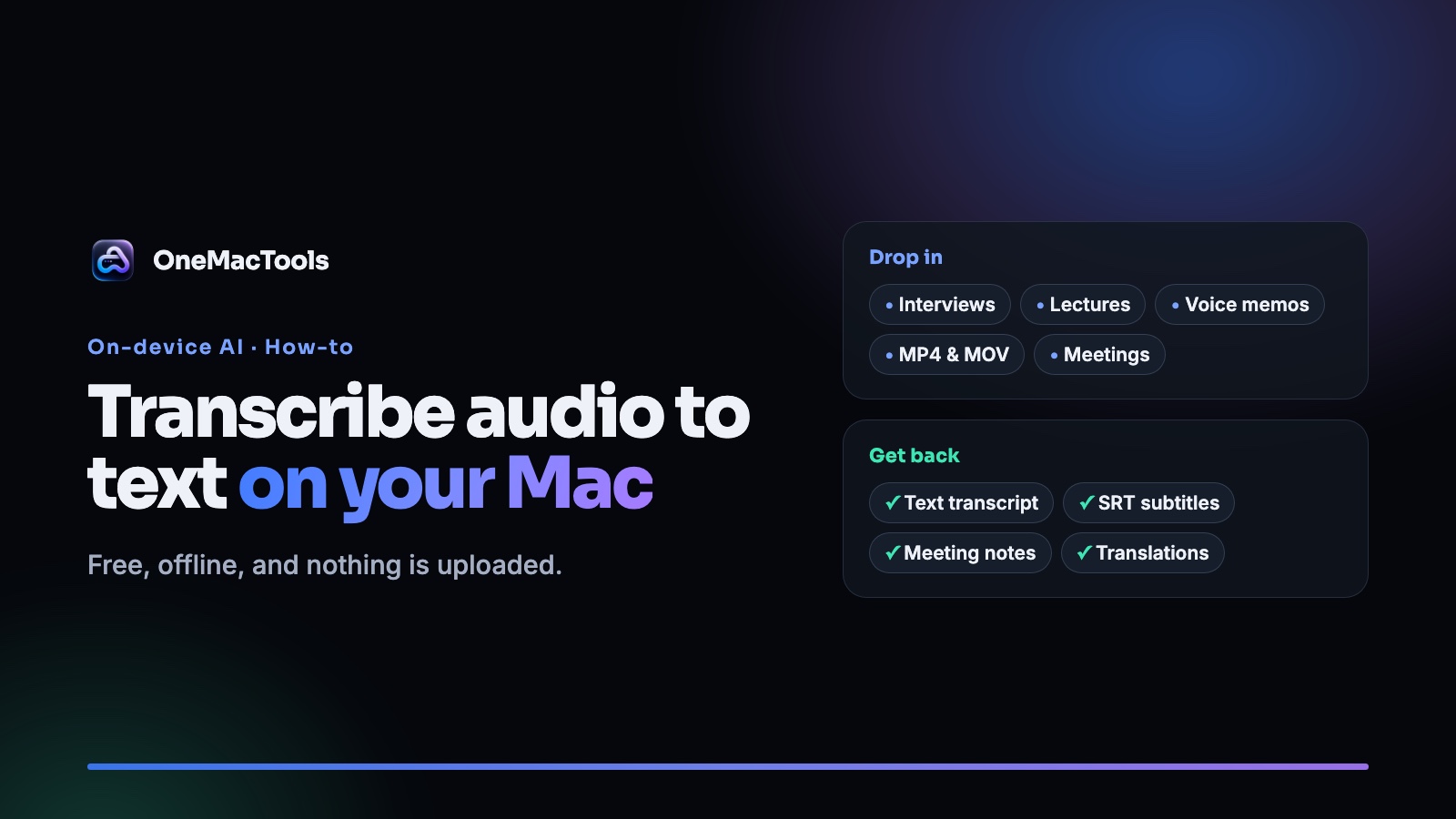
How to transcribe audio and video to text on a Mac, free and offline
Turn interviews, lectures, voice memos and videos into text or SRT subtitles on your Mac, without uploading them. What's built in, what works offline, and how to get a clean transcript.
