
Check your webcam before a call on Mac
A quick mirror before a call: see how you look and how the light falls. The camera is on only while it's open.
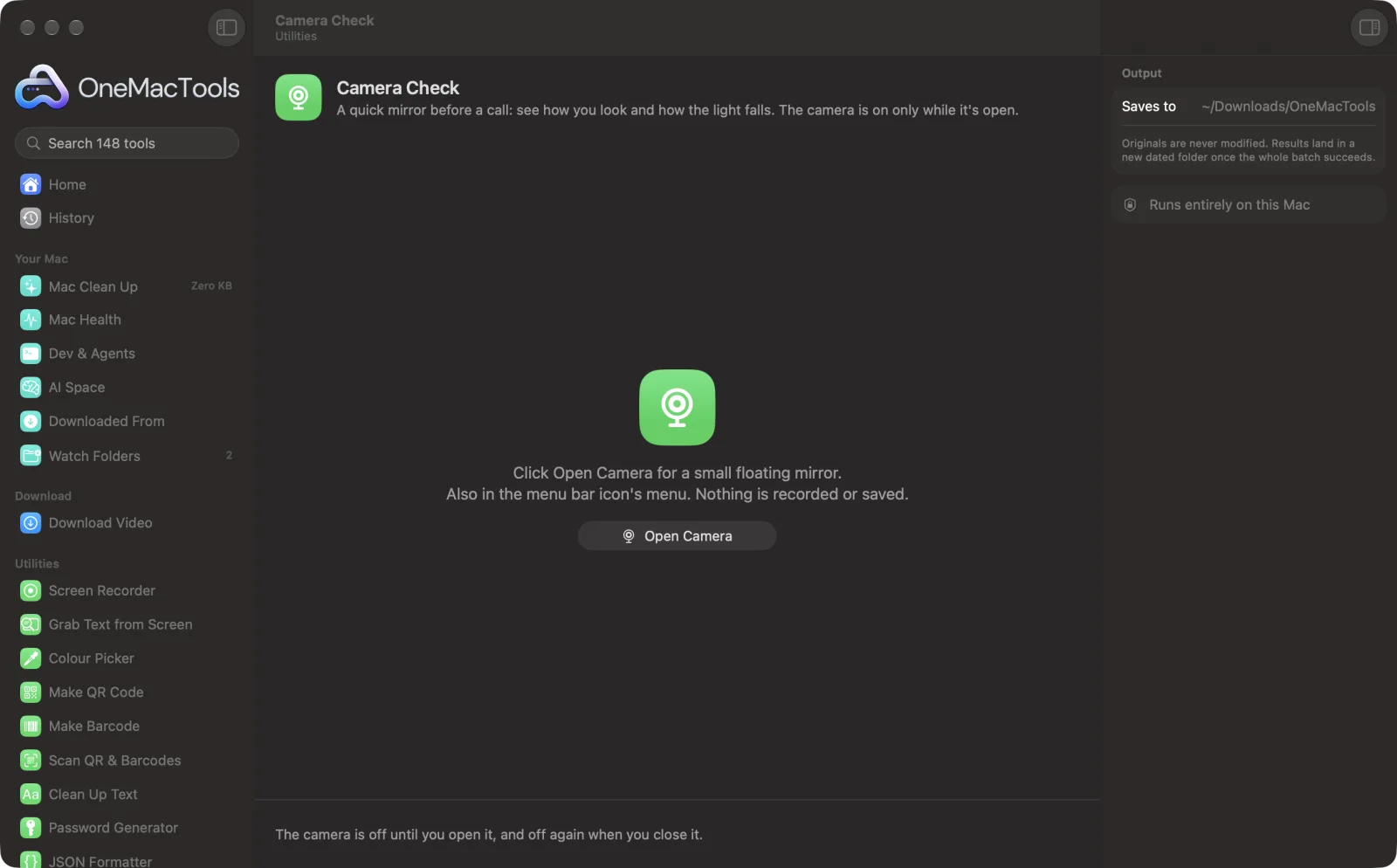
Camera Check on a Mac
Screenshots from the app, using sample files.
How to use Camera Check
- 1
Click Open Camera
Or choose Camera Check in the menu bar icon's menu.
- 2
Allow the camera once
macOS asks the first time; allow OneMacTools to use the camera.
- 3
Check yourself
A small floating mirror shows your camera, with a hint if it's too dark or too bright.
- 4
Close it
The camera turns off the moment the window closes.
What Camera Check does
Opens a small floating mirror from the app or the menu bar, so you can check your hair, your background and the light before joining a call, without opening a meeting app. Pick any camera, including your iPhone through Continuity Camera, and get a hint when the picture is too dark or the light behind you is too bright. The camera turns off the moment you close it, and nothing is recorded or saved.
Great for
- Check how you look before an interview
- Make sure the background is tidy
- Find a better spot for the light
Options explained
- Camera
- Pick any connected camera, including an iPhone through Continuity Camera. Your choice is remembered.
- Mirror
- On shows you as in a mirror, the way meeting apps show you to yourself. Off shows what others see.
Best practices
- Face a window or a lamp: light in front of you beats light behind you.
- Raise the laptop so the camera is at eye level, for a straighter angle.
- Turn Mirror off to check that text behind you reads the right way round for others.
- Bring your iPhone close to use it as a sharper camera with Continuity Camera.
- The window floats above others, so you can open it next to the meeting invite.
Works with
- In
- Your Mac's camera, a USB camera or an iPhone.
- Out
- A live preview in a floating window. Nothing is recorded or saved.
- The camera's green light is on only while the window is open.
- Needs permission under Privacy & Security › Camera.
Questions about Camera Check
How do I check my webcam on a Mac before a call?
Open Camera Check from OneMacTools or the menu bar. A small mirror shows exactly how you look, without opening a meeting app.
Is anything recorded?
No. It's a live preview only, and the camera turns off when you close the window.
Why is the picture mirrored?
Mirroring makes moving feel natural, like a mirror. Others see you the right way round; turn Mirror off to see what they see.
Can I use my iPhone as the camera?
Yes. With Continuity Camera, your iPhone appears in the camera list when it's nearby.
Why does it say it's dark?
The picture's average brightness is low. Face a window or a lamp, or turn up the light in the room.
Why can't OneMacTools see my camera?
Allow it under System Settings › Privacy & Security › Camera, then open Camera Check again.
Does Camera Check upload my files?
No. Camera Check runs entirely on your Mac, so your files never leave it and it works offline.
Will Camera Check change my original files?
No. Results are saved as new files in a dated folder in Downloads › OneMacTools, and your originals are left exactly as they were unless you turn on an option that says otherwise.
What does Camera Check need?
Just a Mac with macOS 26 or later. There's nothing else to install.
Do this next
Gentle reminders to rest your eyes (20-20-20), stand up and drink water. They wait while you're on a call.
Screen RecorderRecord a window, an app or the whole screen, with sound, as MP4 or GIF.
Keep AwakeStop your Mac sleeping for an hour, until a time, or until you turn it off.
Related Utilities tools
Drag over anything on screen — a video, a photo, a locked PDF — and copy the text in it.
Colour PickerPick any pixel on screen and copy its colour as HEX, RGB, HSL or code.
Make QR CodeTurn a link, some text or Wi-Fi details into a crisp QR code.
Make BarcodeMake Code 128, EAN-13, UPC-A, PDF417 and Aztec barcodes for labels, products and tickets.
Scan QR & BarcodesRead QR codes and barcodes from photos, screenshots and PDFs.
Clean Up TextChange case, fix spaces and line breaks, sort or de-duplicate lines, and count words.

Camera Check, plus 144 more.
One app. One price.
All 145 tools. Free download, one payment for a licence. 14-day money-back guarantee.