
Internet speed test for Mac
Measure download, upload and responsiveness with macOS's own test, remembered per Wi-Fi network.
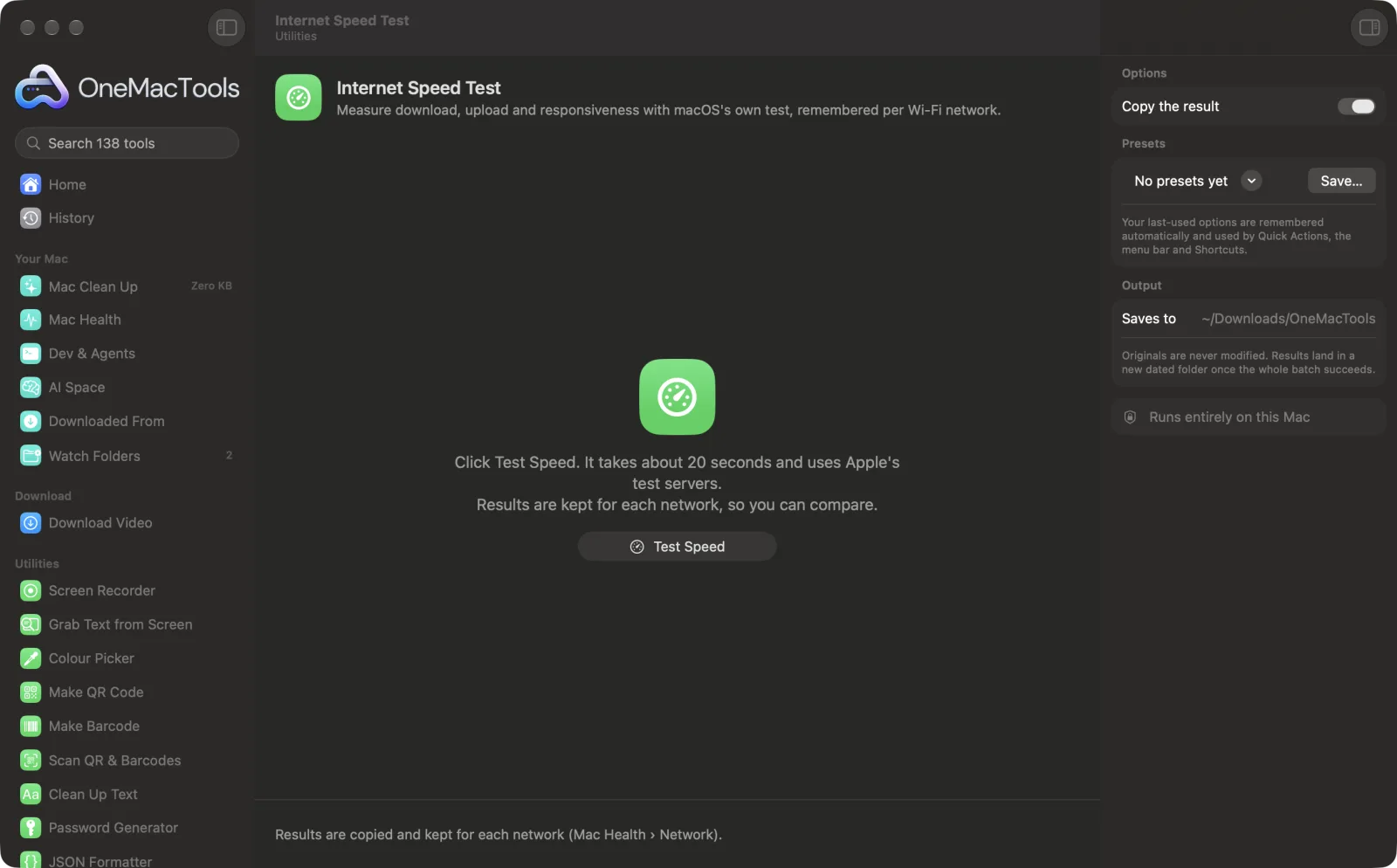
Internet Speed Test on a Mac
Screenshots from the app, using sample files.
How to use Internet Speed Test
- 1
Click Test Speed
macOS's own speed test runs against Apple's servers for about 20 seconds.
- 2
Read the result
Download and upload speed in Mbps, latency in milliseconds, and how responsive the connection stays when it's busy.
- 3
Compare networks
Each result is kept under the Wi-Fi network it was run on, and Mac Health's Network tab lists the latest for each.
- 4
Share or copy it
The result is copied as text, and Mac Health can turn it into a share card image.
What Internet Speed Test does
Runs the speed test built into macOS against Apple's servers in about 20 seconds: download and upload speed, latency and how responsive the connection stays when it's busy. Results are kept for each Wi-Fi network, so you can tell a slow Wi-Fi from a slow website, and shared as an image.
Great for
- Check what you're really getting from your provider
- Compare home and office Wi-Fi
- Find out whether video calls stutter because of the connection
Options explained
- Copy the result
- Copies a short summary (network, date, download, upload, latency and responsiveness) to the clipboard, ready to paste to your provider or a colleague.
Best practices
- Close big downloads and video streams first, or they'll share the connection with the test.
- Run it in the room where the problem is: Wi-Fi speed drops with walls and distance.
- Responsiveness matters more than download speed for video calls and games; Low means the connection stalls when it's busy.
- Allow Location Services when asked so results are filed under your Wi-Fi network's name; macOS hides network names from apps otherwise.
- Mac Health's Network tab shows your Wi-Fi signal and band next to the results, which often explains a slow test.
Works with
- In
- Your current internet connection (Wi-Fi or wired).
- Out
- Download, upload, latency and responsiveness, copied and kept per network.
- Uses networkQuality, the speed test built into macOS, which contacts Apple's test servers.
- Speeds are shown in megabits per second (Mbps), the unit internet providers use.
Questions about Internet Speed Test
How do I test my internet speed on a Mac?
Open Internet Speed Test and click Test Speed. In about 20 seconds you get download and upload speed, latency and responsiveness.
Which server does the test use?
Apple's. It's the speed test built into macOS (networkQuality), so no third-party site is involved.
What does responsiveness mean?
How quickly the connection answers while it's busy, measured in round trips a minute. High means video calls and games stay smooth when someone else is downloading.
Can I compare my home and office Wi-Fi?
Yes. Results are kept per Wi-Fi network, and Mac Health's Network tab shows the latest for each.
Why does it say Wi-Fi instead of my network's name?
macOS only shares Wi-Fi network names with apps allowed under Privacy & Security › Location Services. Your location itself is never used.
Is Mbps the same as MB/s?
No. Mbps is megabits per second; divide by 8 for megabytes per second. A 400 Mbps line downloads about 50 MB a second.
Does Internet Speed Test upload my files?
No. Internet Speed Test runs entirely on your Mac, so your files never leave it and it works offline.
Will Internet Speed Test change my original files?
No. Results are saved as new files in a dated folder in Downloads › OneMacTools, and your originals are left exactly as they were unless you turn on an option that says otherwise.
What does Internet Speed Test need?
Just a Mac with macOS 26 or later. There's nothing else to install.
Do this next
Stop your Mac sleeping for an hour, until a time, or until you turn it off.
Download VideoPaste a video link and keep the video, or just the audio.
Screen RecorderRecord a window, an app or the whole screen, with sound, as MP4 or GIF.
Related Utilities tools
Drag over anything on screen — a video, a photo, a locked PDF — and copy the text in it.
Colour PickerPick any pixel on screen and copy its colour as HEX, RGB, HSL or code.
Make QR CodeTurn a link, some text or Wi-Fi details into a crisp QR code.
Make BarcodeMake Code 128, EAN-13, UPC-A, PDF417 and Aztec barcodes for labels, products and tickets.
Scan QR & BarcodesRead QR codes and barcodes from photos, screenshots and PDFs.
Clean Up TextChange case, fix spaces and line breaks, sort or de-duplicate lines, and count words.

Internet Speed Test, plus 137 more.
One app. One price.
All 138 tools. Free download, one payment for a licence. 14-day money-back guarantee.