
Generate iOS, Android and Mac app icons on Mac
One square image to every app icon: the iOS asset catalog for Xcode, Android launcher and adaptive icons, and a Mac .icns.
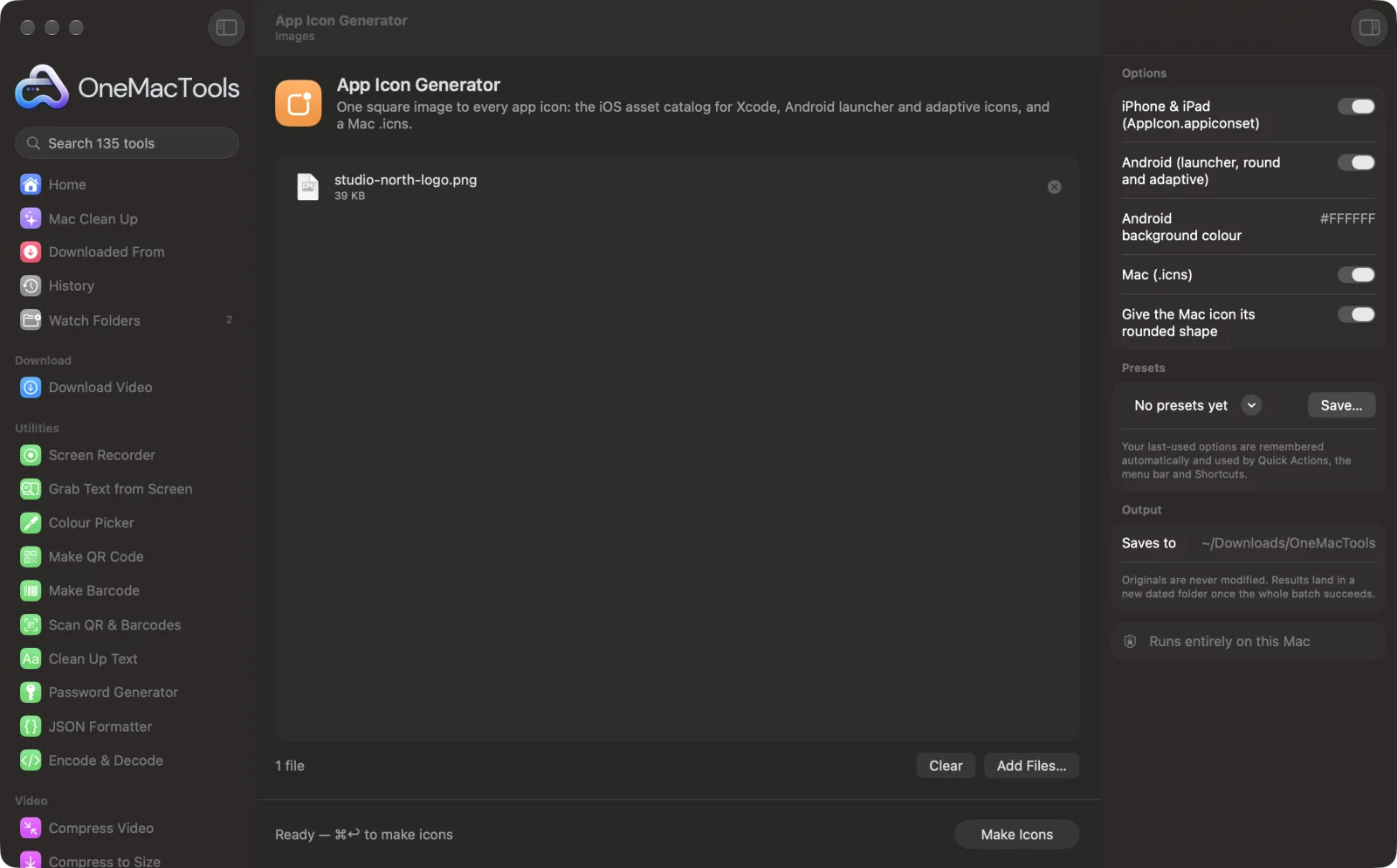
App Icon Generator on a Mac
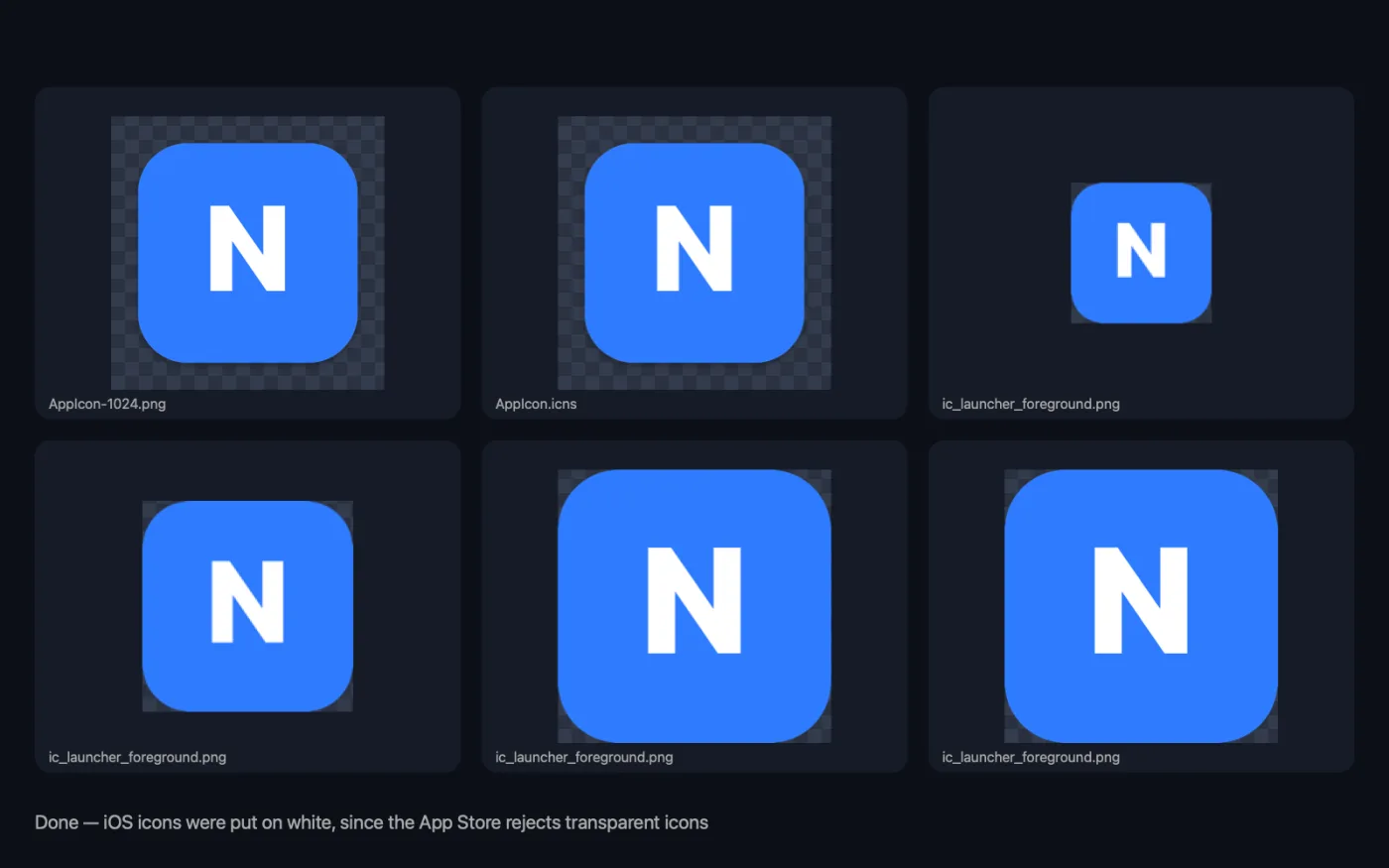
Screenshots from the app, using sample files.
How to use App Icon Generator
- 1
Drop your artwork
Use a square image, ideally 1024 × 1024 px or larger. Non-square images are cropped to a centred square.
- 2
Choose the platforms
Turn on iPhone & iPad, Android and Mac as needed, and set the Android background colour.
- 3
Click Make Icons
Every size is made from your artwork, with the files and folders each platform expects.
- 4
Add them to your project
Find a folder named after your image with “app icons” added, in a dated folder in Downloads › OneMacTools. Drag AppIcon.appiconset into Xcode, copy the Android res folders into your app, and use AppIcon.icns for your Mac app.
What App Icon Generator does
Get an AppIcon.appiconset folder with every iPhone and iPad size and its Contents.json, ready to drop into Xcode; Android mipmap folders with launcher, round and adaptive icons (artwork inside the safe zone over your background colour) plus the Play Store icon; and a Mac .icns with Apple's rounded shape. iOS icons are made opaque automatically, since the App Store rejects transparency.
Great for
- Ship an icon with your iOS or Android app
- Make a Mac app icon
- Replace a dated set of app icons in minutes
Options explained
- iPhone & iPad (AppIcon.appiconset)
- On by default. An asset catalog icon set with every iPhone and iPad size, the 1024 px App Store icon and its Contents.json. Transparent areas are put on white, since the App Store rejects icons with transparency.
- Android (launcher, round and adaptive)
- On by default. Launcher, round and adaptive icons in mipmap folders for every density, the adaptive icon XML, a background colour resource and a 512 px Play Store icon.
- Android background colour
- The colour behind your artwork on Android icons and the adaptive icon's background layer, such as #FFFFFF. Used only when Android is on; white if left empty.
- Mac (.icns)
- On by default. A Mac AppIcon.icns with every size from 16 to 1024 px, plus a 1024 px PNG.
- Give the Mac icon its rounded shape
- On by default. Places your artwork in the macOS rounded-square shape with a soft shadow. Turn it off if your artwork already has its own shape. Used only when Mac is on.
Best practices
- Start from a 1024 × 1024 px PNG. Smaller artwork has to be enlarged for the biggest sizes and will look soft.
- Keep important details away from the edges. Android adaptive icons can be masked to circles and other shapes, so the artwork is placed inside the safe zone.
- Use a transparent PNG for Android and Mac if you want the background colour or shape to show through, and pick the Android background colour to match.
- Check the small sizes. A detailed logo can turn to mush at 20 or 29 points; a simpler mark often reads better.
- Drop several images to make icon sets for different apps or variants in one run.
Works with
- In
- Square images (PNG works best), one or more.
- Out
- A folder per image with AppIcon.appiconset, an android folder (res mipmaps plus play-store-512.png), and AppIcon.icns with AppIcon-1024.png, depending on the platforms you turn on.
- Non-square images are cropped to a centred square before the icons are made.
Questions about App Icon Generator
What do I get for iOS?
An AppIcon.appiconset folder with every iPhone and iPad size and its Contents.json. Drag it into your Xcode asset catalog to replace the existing icon set.
Does it make Android adaptive icons?
Yes: launcher and round icons for every density, an adaptive foreground with your artwork inside the safe zone, the background colour, the XML that ties them together, and the 512 px Play Store icon.
Why is my iOS icon on white?
The App Store rejects icons with transparency, so OneMacTools puts transparent areas on white for iOS and tells you.
How do I make a Mac .icns file?
Turn on Mac (.icns) and drop a square image. You get AppIcon.icns with every size macOS uses, with or without the standard rounded shape.
What size should my app icon artwork be?
1024 × 1024 px is the size to aim for, since that's the largest icon any of the platforms need.
Can I use a rectangular logo?
It will be cropped to a centred square. For the best result, place the logo on a square canvas with some space around it first.
Does App Icon Generator upload my files?
No. App Icon Generator runs entirely on your Mac, so your files never leave it and it works offline.
Will App Icon Generator change my original files?
No. Results are saved as new files in a dated folder in Downloads › OneMacTools, and your originals are left exactly as they were unless you turn on an option that says otherwise.
What does App Icon Generator need?
Just a Mac with macOS 26 or later. There's nothing else to install.
Do this next
Every favicon a website needs, plus the web manifest and the HTML to paste into your page.
Compress PNGShrink PNGs by 60–80% by reducing colours, keeping transparency — ideal for screenshots, logos and icons.
Related Images tools
Convert between PNG, JPEG, HEIC, AVIF and TIFF. Reads WebP, RAW and more.
Compress ImagesShrink photos for email and the web, with a live before-and-after preview.
Convert to WebPMake small, web-ready WebP images, lossy or lossless, with transparency kept.
Resize ImagesResize by longest edge, exact pixels, percentage, or print size in cm, mm or inches at the DPI you need.
Crop ImagesCrop to an aspect ratio or an exact area, or trim plain borders automatically — one photo or a whole folder.
Rotate & Flip ImagesTurn or mirror photos in one go.

App Icon Generator, plus 134 more.
One app. One price.
All 135 tools for $29, once. 14-day money-back guarantee.