
Generate BlurHash placeholders on Mac
Make BlurHash strings, tiny blurred thumbnails and average colours to show while images lazy-load.
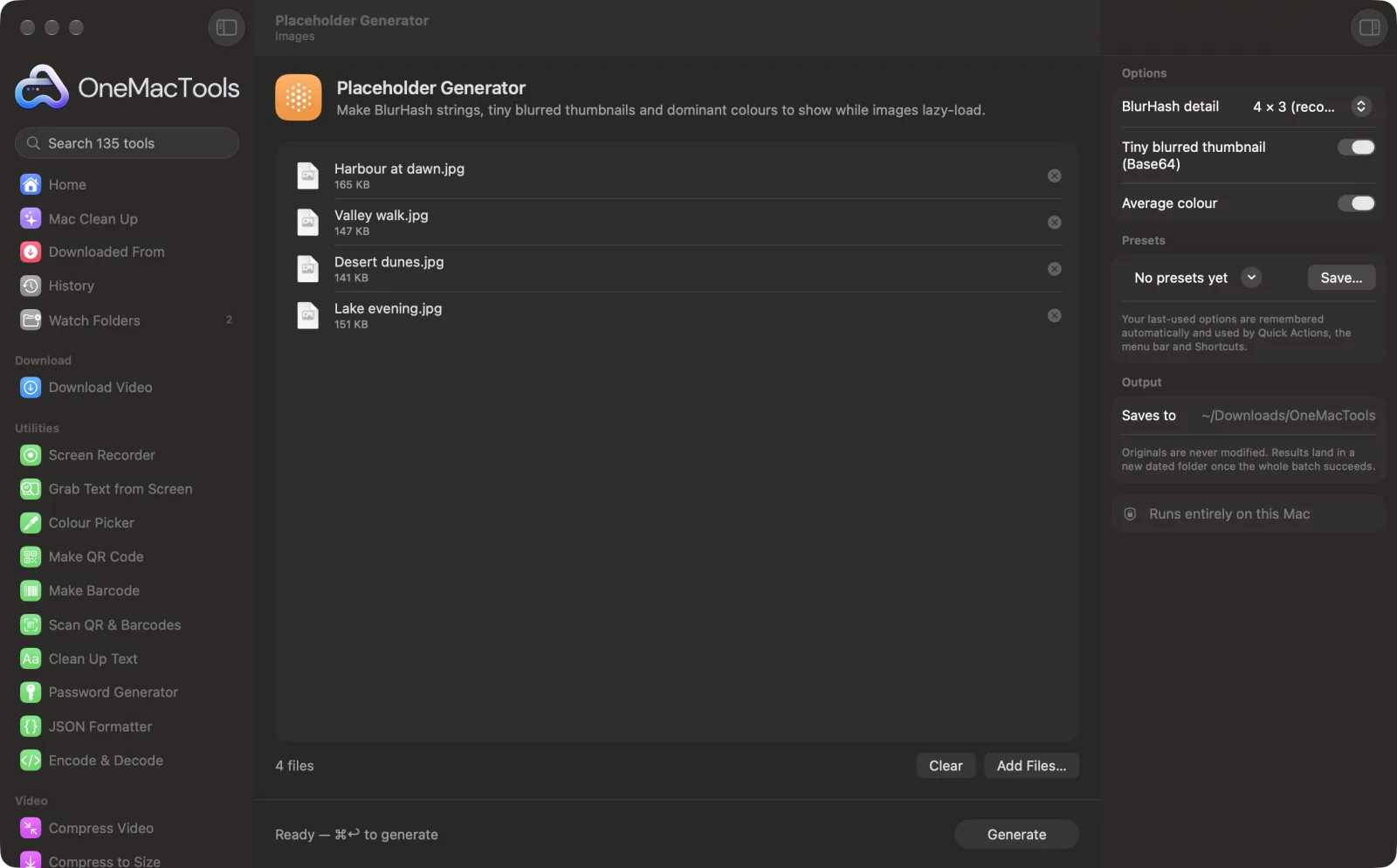
Placeholder Generator on a Mac
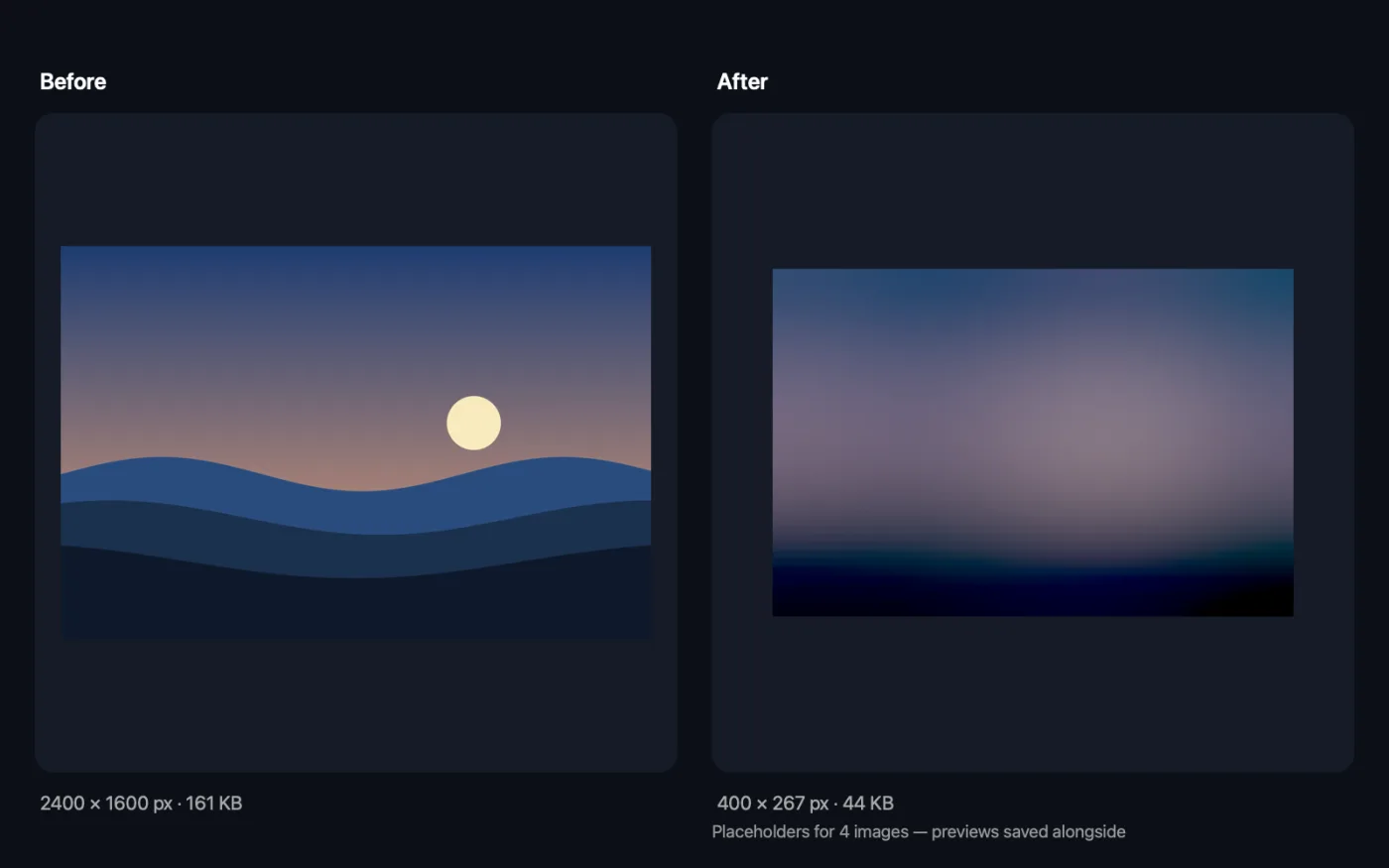
Screenshots from the app, using sample files.
How to use Placeholder Generator
- 1
Drop your images
Add the images your site or app will lazy-load, one or many.
- 2
Choose the detail
4 × 3 suits most images. More detail gives a closer blur but a longer string.
- 3
Choose the extras
Turn on the tiny Base64 thumbnail and the average colour if you want them as well as the BlurHash.
- 4
Click Generate
Every value is listed in the app and saved as Placeholders.txt, with a preview of each decoded BlurHash, in a dated folder in Downloads › OneMacTools.
- 5
Store the values with your images
Save each string next to the image's address in your database or content files, and show it while the real image loads.
What Placeholder Generator does
For each image, get a BlurHash string (with the detail level you choose), a tiny Base64 thumbnail and the average colour, ready to store next to the image's address and show while the real image loads. A preview of each decoded BlurHash is saved alongside.
Great for
- Lazy-load images in a web or mobile app
- Avoid blank boxes while photos load
- Pick a background colour per image
Options explained
- BlurHash detail
- 4 × 3 (recommended), 3 × 3, 5 × 4, 6 × 4 or 9 × 9. The number of colour components across and down. Higher values capture more of the image's shape; 4 × 3 gives a 28-character string.
- Tiny blurred thumbnail (Base64)
- On by default. A tiny JPEG, at most 16 px on its longest side, as a data URI you can put straight into an <img> tag or CSS and stretch with a blur.
- Average colour
- On by default. One hex colour per image, worked out as the average of the whole image, for a plain background while it loads.
Best practices
- Match the detail to the image's shape: 4 × 3 or 5 × 4 for landscape photos, 3 × 3 for square or portrait ones.
- Use the average colour as the background of the image's container; it's the lightest placeholder and needs no decoding.
- Set the image box's width and height to match the real image, so the page doesn't jump when it loads.
- Look at the saved previews to see what people will actually see before choosing a detail level.
- Regenerate the placeholder whenever you replace an image, or the blur won't match.
Works with
- In
- JPEG, PNG, HEIC, WebP and other images your Mac can open.
- Out
- Placeholders.txt with each image's BlurHash, optional thumbnail data URI and colour, plus a 400 px wide PNG preview of each decoded BlurHash.
- The values are also shown in the app, ready to copy.
Questions about Placeholder Generator
What is a BlurHash?
A short text string that encodes a blurred version of an image. Your app decodes it into a soft, colourful placeholder while the real image downloads.
How do I generate a BlurHash for my images?
Drop them onto Placeholder Generator and click Generate. Each image gets a BlurHash string in the app and in Placeholders.txt.
Which BlurHash detail should I use?
4 × 3 is a good default and gives a 28-character string. Use more components for more shape, at the cost of a longer string.
Should I use a BlurHash or a tiny thumbnail?
A BlurHash is short and needs a small decoder in your app. The tiny thumbnail is a data URI that browsers can show directly, but it's a longer string. You can generate both and choose.
How do I use the average colour?
Set it as the background colour of the image's container. It shows instantly and matches the image's overall tone.
Why add placeholders at all?
They avoid blank boxes and layout jumps while images load, which makes pages and apps feel faster.
Does Placeholder Generator upload my files?
No. Placeholder Generator runs entirely on your Mac, so your files never leave it and it works offline.
Will Placeholder Generator change my original files?
No. Results are saved as new files in a dated folder in Downloads › OneMacTools, and your originals are left exactly as they were unless you turn on an option that says otherwise.
What does Placeholder Generator need?
Just a Mac with macOS 26 or later. There's nothing else to install.
Do this next
Make small, web-ready WebP images, lossy or lossless, with transparency kept.
Compress ImagesShrink photos for email and the web, with a live before-and-after preview.
Related Images tools
Convert between PNG, JPEG, HEIC, AVIF and TIFF. Reads WebP, RAW and more.
Resize ImagesResize by longest edge, exact pixels, percentage, or print size in cm, mm or inches at the DPI you need.
Crop ImagesCrop to an aspect ratio or an exact area, or trim plain borders automatically — one photo or a whole folder.
Rotate & Flip ImagesTurn or mirror photos in one go.
Screenshot BeautifierPut screenshots on a gradient with padding, rounded corners and a soft shadow.
Watermark ImagesAdd your name, © notice or logo to photos — in a corner or tiled across the whole image.

Placeholder Generator, plus 134 more.
One app. One price.
All 135 tools for $29, once. 14-day money-back guarantee.