
Compress video on Mac
Make videos much smaller while keeping them sharp.
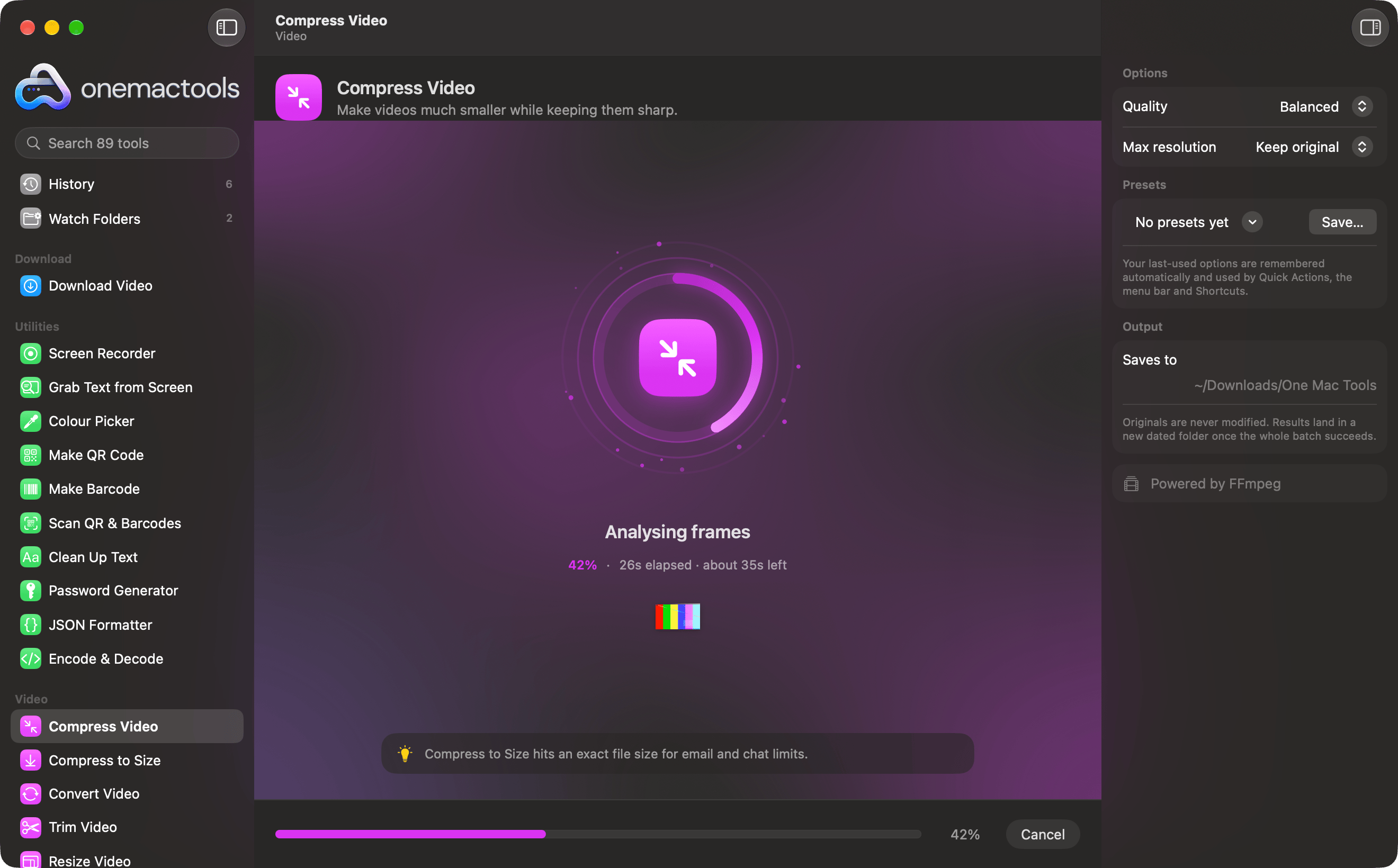
Three steps. That's it.
- 1
Drop your files
Drag files onto Compress Video, choose them with Choose Files, or right-click them in Finder.
- 2
Choose the options
Set what you need in the options panel, such as quality. Your choices are remembered for next time.
- 3
Get the result
The result lands in a new dated folder in Downloads › OneMacTools. Your originals are never changed.
What Compress Video does
Re-encode videos with H.264 at a quality you choose, optionally capping the resolution at 1080p, 720p or 480p. Typical phone videos shrink by 70–90% while staying sharp, and the result plays everywhere.
It's also a Finder Quick Action: right-click files and choose OMT: Compress Video.
Uses FFmpeg, which OneMacTools installs for you with one click through Homebrew.
Options
Great for
- Shrink phone videos before sharing
- Free up space taken by screen recordings
- Make a clip small enough to upload
Questions about Compress Video
Does Compress Video upload my files?
No. Compress Video runs entirely on your Mac, so your files never leave it and it works offline.
Will Compress Video change my original files?
No. Results are saved as new files in a dated folder in Downloads › OneMacTools, and your originals are left exactly as they were unless you turn on an option that says otherwise.
What does Compress Video need?
macOS 26 or later and FFmpeg, which OneMacTools can install for you through Homebrew with one click.
Can I use Compress Video from Finder?
Yes. Right-click files in Finder and choose Quick Actions › “OMT: Compress Video”. It runs in the background and notifies you when it's done.
Related Video tools
Hit a file-size limit for email, Discord or WhatsApp. Pick the size, not the quality.
Convert VideoTurn any video into MP4, MOV, WebM or MKV.
Trim VideoKeep just the part you need.
Resize VideoScale videos to a standard resolution.
Crop VideoCentre-crop to square, vertical or widescreen for any platform.
Rotate & Flip VideoFix sideways phone clips or mirror a video.

Compress Video, plus 88 more.
One app. One price.
All 89 tools for $29, once. 14-day money-back guarantee.